If you earn money from links in your posts, an FTC-compliant disclosure needs to appear near the top of the content. Foodica can add one to every post automatically, or you can place one only in the posts that need it.
Table of Contents
If you’re not sure which posts contain affiliate links, the simplest and safest approach is to show a disclosure on all of them.
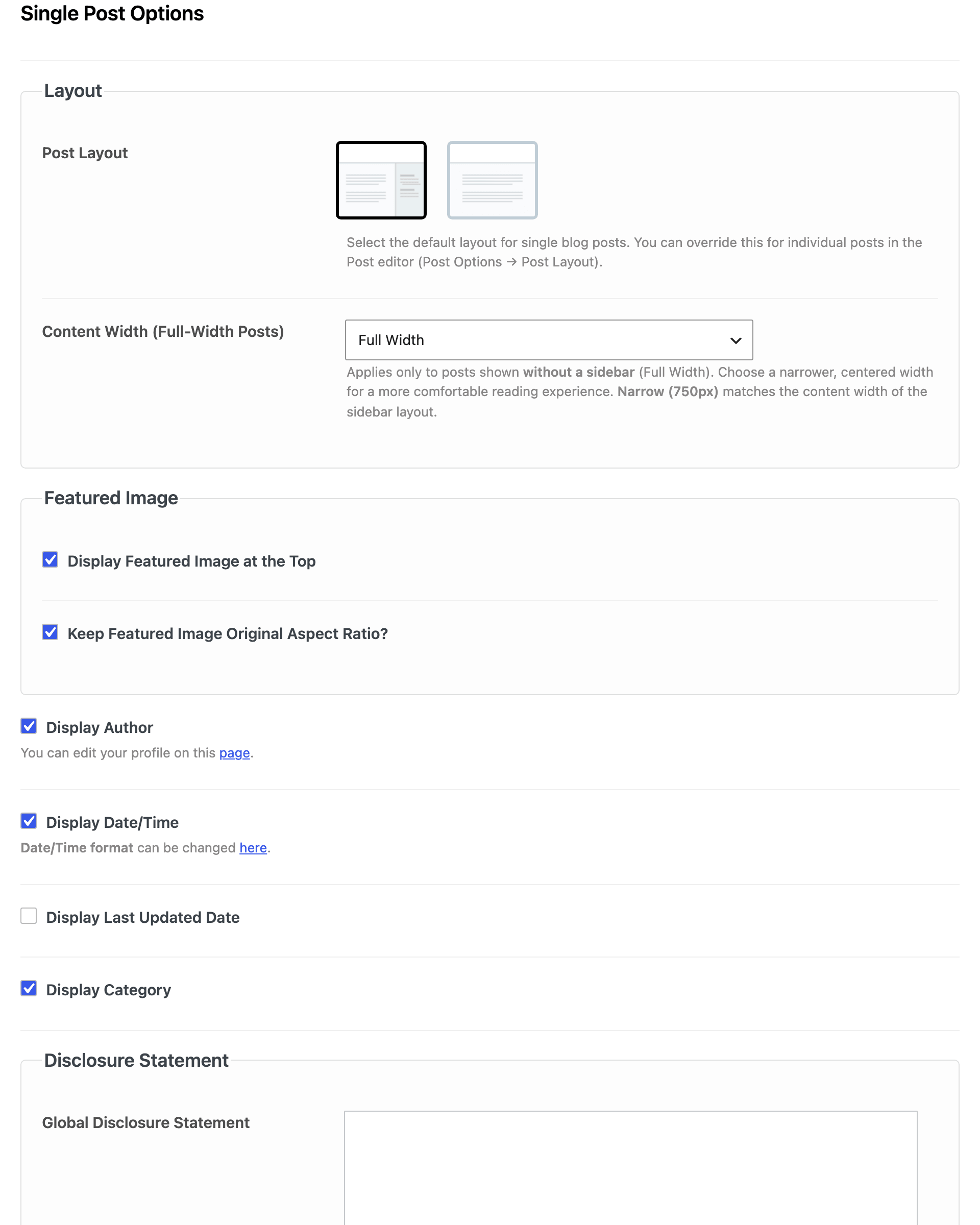
It appears at the top of every post, below the date. Basic HTML is allowed, so you can link out to a full disclosure page:
This post may contain affiliate links. We may earn money from the companies mentioned in this post. Read our full disclosure.
The disclosure is one of the elements in Foodica’s single post layout, which means you control both whether it appears and where it sits relative to the title, date, categories and content.
That ordering is set in the Customizer — see Single Post Options for the full list of elements and how to reorder them. If your statement isn’t showing up, check there first: the disclosure element may simply be switched off.
For more than plain text — a styled callout, a shortcode from another plugin, or a banner — Foodica registers a widget area called Single Post (before content). Anything you place there appears at the top of every post.
Add widgets to it under Appearance → Widgets. See Widgets & Widget Areas for the full list of areas.
To disclose only on certain posts, add the text to those posts directly.
To reuse the exact same statement across posts without retyping it, save the block as a synced pattern:
Editing a synced pattern updates it in every post that uses it — which is exactly what you want for a disclosure you may need to reword later.
Note: synced patterns were called Reusable Blocks before WordPress 6.3. If you saved disclosures that way, they still work and now appear under Patterns.
See also:
