Enter the world of WordPress block themes, otherwise referred to as Full Site Editing themes — a revolutionary approach that allows for flexibility and customization like never before. Whether you’re a beginner blogger or an online shop, the right theme can greatly improve your site’s attractiveness and user experience.
We will guide you through the best WordPress block themes available, ensuring that your website not only looks great but also meets the demands of today’s internet-aware audience.
Top 5 Best Full Site Editing Themes
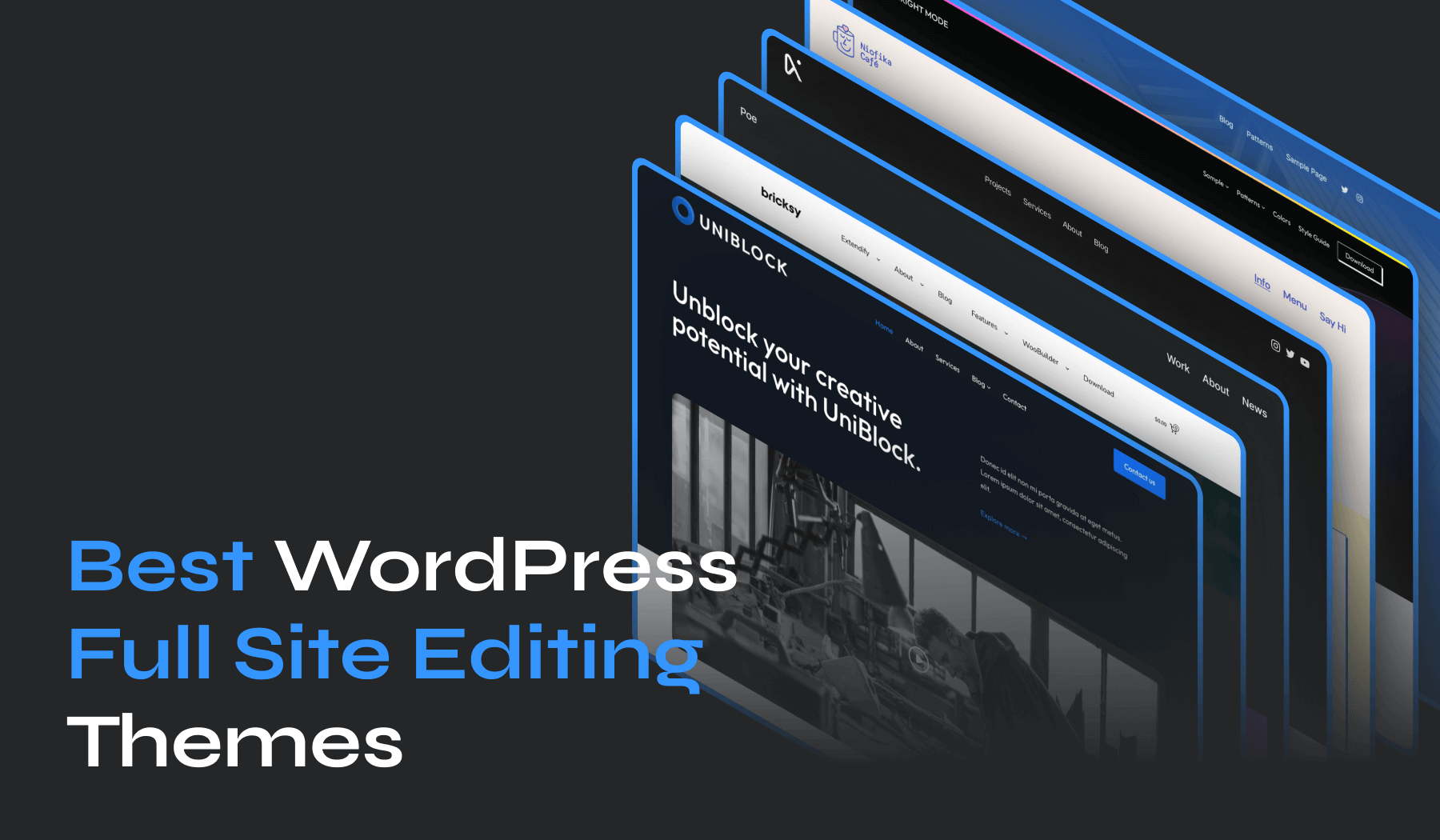
- UniBlock – Full Site Editing with WooCommerce support and unique block designs.
- Inspiro Blocks – Customizable theme with drag-and-drop design and video integration.
- Foodie Blocks – Tailored for food bloggers with custom recipe blocks and SEO optimization.
- EduBlock – Full site editing with 1-click demo install and WooCommerce compatibility.
- Bricksy – User-friendly with easy customization and a time-saving demo setup.
Undoubtedly, the main advantage is that a website using a Full Site Editing theme will have the ability to fully edit the page: header, footer, sidebar, and other areas. No coding skills required and no more messing with complicated theme files!
Another great advantage is that a block theme will return an excellent Page Speed score. With the new site editor, fewer third-party plugins are needed to solve design challenges. For example, page builders are known to slow down web pages. Since you won’t need one anymore, your website will become much faster.
Each of these themes offers unique features that can transform your website into an innovatively designed, detail-oriented masterpiece.
1. UniBlock PRO
Price: $59/year
Key Features
- Full Site Editing features
- Multiple Header & Footer Layouts
- 1-Click Demo Content Install
- SEO Friendly Code
- Translation & Multilanguage Ready.
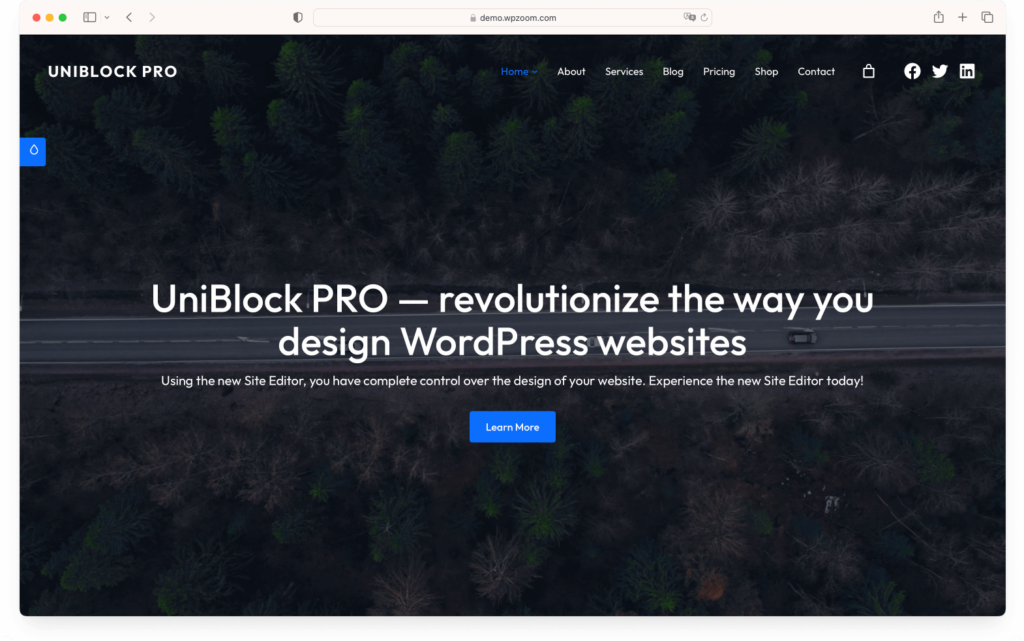
UniBlock PRO – a premium WordPress block theme that should be at the top of your list. This theme adopts the Full Site Editing concept, giving you complete control over your website’s design. From changes to colors, fonts, layout, header, and footer, it’s all in your hands.
UniBlock PRO offers multiple header and footer layouts, and it’s WooCommerce-ready. You’ll appreciate its unique block patterns and six color schemes. Best of all, it’s simple to install and comes with a 1-click demo content install feature.
Plus, the theme is SEO-friendly, translation, and multilanguage-ready, making it a great choice for a diverse and global audience.
2. Inspiro Blocks PRO
Price: $69/year
Key Features
- Full Site Editing features
- Drag and drop blocks
- Video and portfolio integration
- Multiple header and footer layouts
- SEO-friendly code.
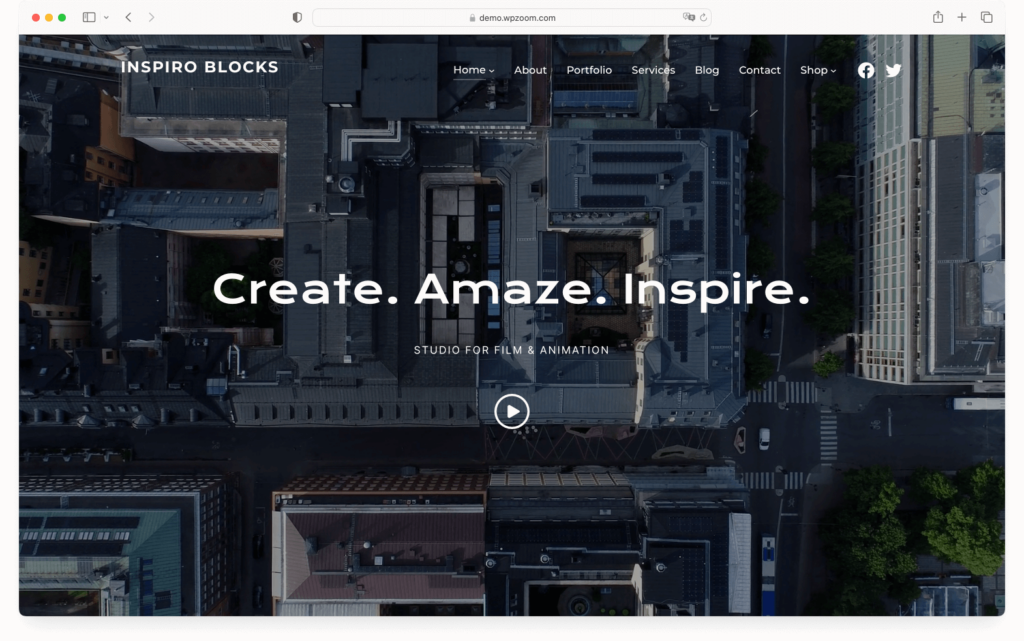
Inspiro Blocks PRO – a highly customizable WordPress block theme. One of the top 16 Full Site Editing themes, could be the perfect solution for your needs. This theme supports the new Full Site Editor, giving you complete control over every detail of your site’s design. You can easily build and customize your website with drag and drop blocks, no coding required.
Ideal for bloggers, photographers, creatives, and small businesses, Inspiro Blocks PRO offers video and portfolio integration, making it easier to showcase your work. It also includes multiple header and footer layouts, enabling you to change the design simply by choosing a different layout. It’s user-friendly, SEO-friendly, and comes with a 14-day money-back guarantee.
3. Foodie Blocks
Price: $69/year
Key Features
- Custom blocks for a unique food blogging experience
- Full site editor support for complete design control
- SEO optimization and social media integration
- Responsive design for optimal user experience across devices
- 1-Click Demo Content Importer and unique page templates for easy setup.
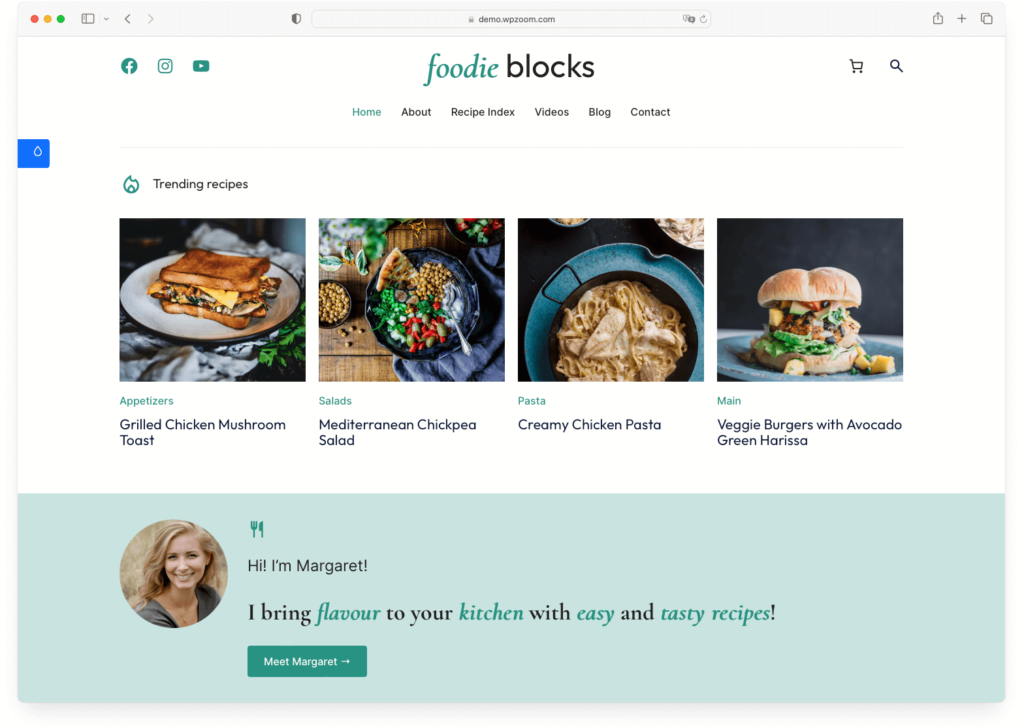
Next up on our list of top WordPress block themes is Foodie Blocks, a fantastic choice for food bloggers and culinary enthusiasts who want full control over their website’s design. This theme comes with custom blocks including recipe cards, nutrition facts, and more, allowing you to create a visually appealing and informative food website. It’s SEO optimized to improve visibility and offers social media integration for easy sharing of your culinary creations.
One of the main advantages of Foodie Blocks is its full site editor support, providing you with complete control over your site’s layout and design. You can edit all areas of your site, from headers and footers to sidebars, without needing any coding skills. Plus, the responsive design ensures a great user experience on any device.
4. EduBlock PRO
Price: $59/year
Key Features
- Full site editing
- 1-click demo content install
- WooCommerce compatibility.
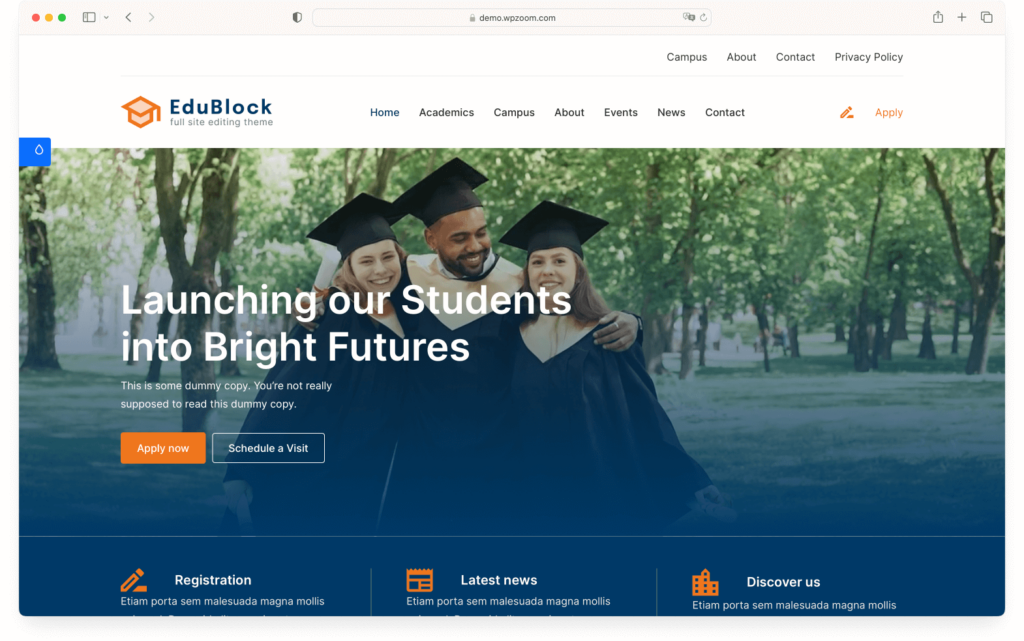
EduBlock PRO is a block theme that offers unique customization and full site editing. This block theme empowers you to edit all parts of your site, from the header to the footer, without the need for coding skills. Its full site editing capability allows you to design and layout your website just how you envision it.
EduBlock PRO’s 1-click demo content install saves you time by replicating the structure and look of the demo page. It’s also fully compatible with WooCommerce, making your eCommerce integration seamless. Plus, its lifetime license option ensures long-term use, and if you’re not satisfied, there’s a 100% risk-free money-back guarantee.
5. Bricksy PRO
Price: $59/year
Key Features
- Easy to use drag and drop customization
- 110+ design patterns
- Full page layouts
- Customizable header and footer builders
- Quick and efficient theme demo setup.
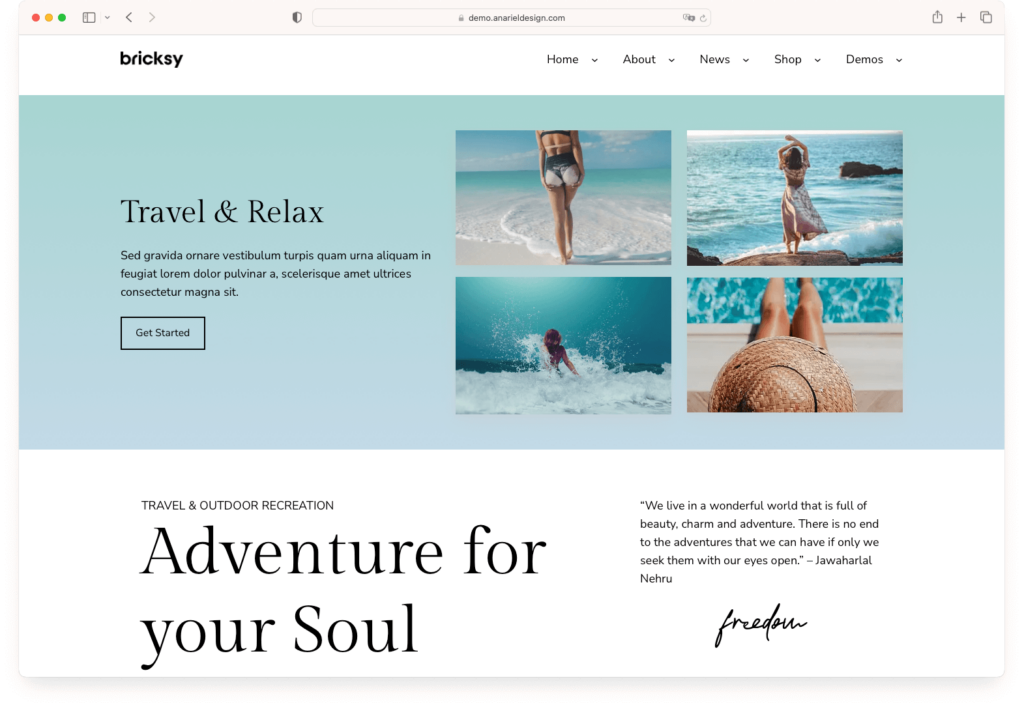
Bricksy PRO – a top-notch full-site editing theme. Designed with over a decade of experience, Bricksy PRO offers a user-friendly interface and requires no coding skills. It’s fast, mobile-friendly, and comes with reliable support, making it an ideal choice for both beginners and experienced WordPress users alike.
With Bricksy PRO, customization is a breeze. You can easily mix and match layout patterns, arrange elements any way you want, and adjust colors and typography to fit your project’s needs. All these features are accessible via a simple drag and drop interface. Bricksy PRO also offers the added convenience of a theme demo setup, which replicates the demo site of the theme on your WordPress installation, saving you time and effort in setting up your website.
Top 12 Best Free WordPress Block Themes
1. Neve FSE
Price: Free
Key Features
- Performance-optimized and lightweight code
- Full site editing capabilities with customizable templates
- Adherence to WordPress block editor standards
- Streamlined design process with real-time changes.
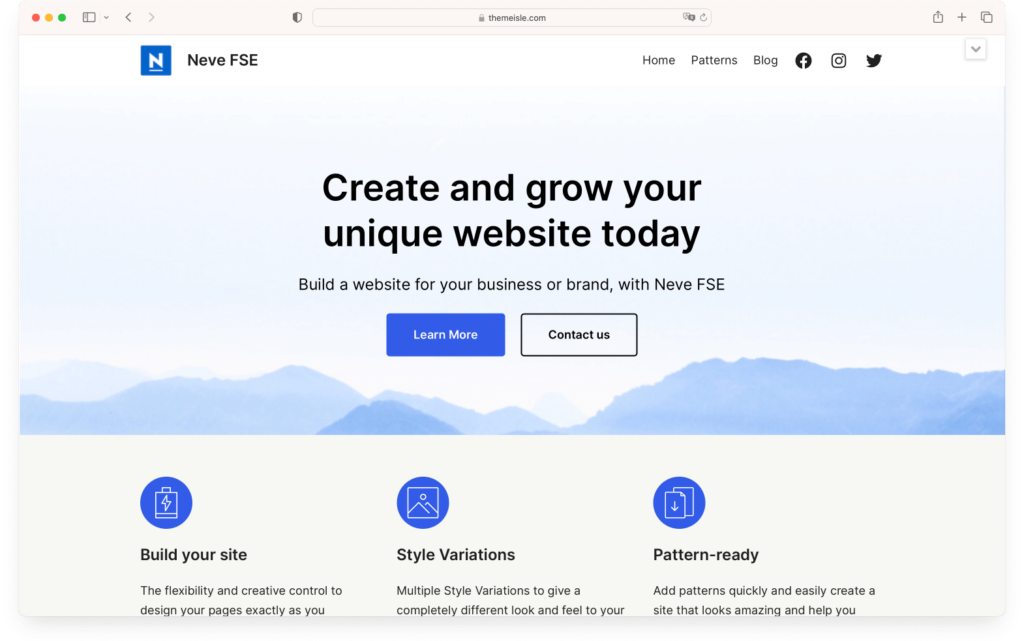
Moving on to our list of top WordPress block themes, let’s dive into the features of Neve FSE, a standout choice particularly known for its full site editing capabilities. Just like the original Neve theme, Neve FSE offers a performance-optimized and lightweight code. It gives you greater control over website design and customizations, with style variations for color and typography adjustments. It also adheres to the latest WordPress block editor standards.
The full-site-editing templates provided by Neve FSE are a game-changer. They cover main pages, headers, footers, and other variations, offering a wide range of templates for single and archive pages. These templates are customizable to your unique design needs and streamline the design process with real-time changes.
2. Tove
Price: Free
Key Features
- Full Site Editing capability
- Over 40 different block patterns
- Six header and seven footer designs
- Custom templates for restaurant websites
- Lightweight, coming in at just over 200 kilobytes
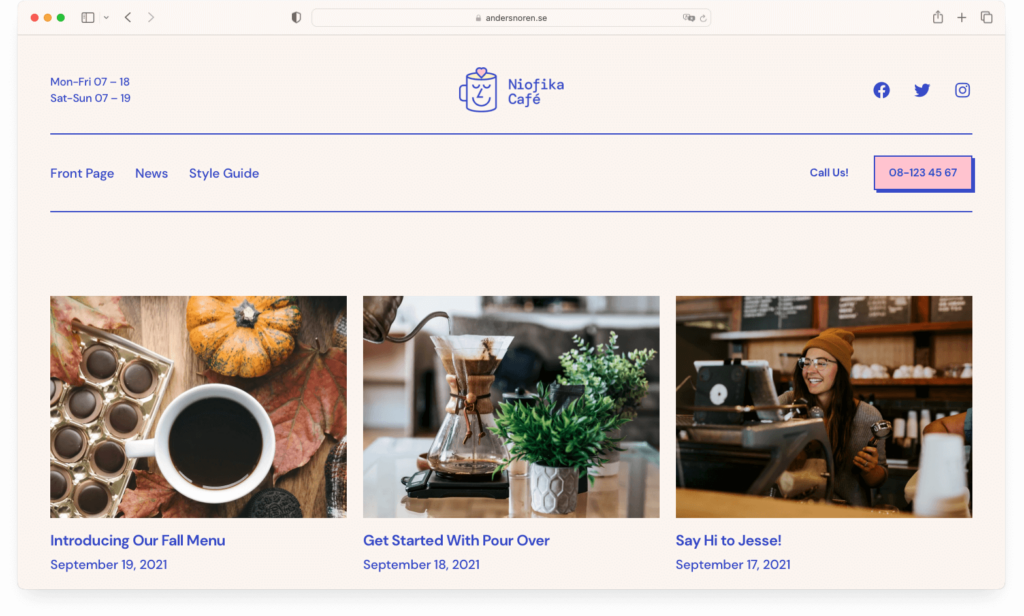
Tove is a WordPress block theme that’s crafted with Full Site Editing in mind. This lightweight theme is built around the innovative features of WordPress Full Site Editing. It simplifies the process of changing the layout, color scheme, typography, and even the structure of your blog archive and posts.
Designed primarily for cafes and restaurants, Tove provides custom templates for menus, opening hours, and booking a table. But don’t let its niche focus fool you; its flexibility allows you to build any type of website you desire. With over 40 prebuilt layouts, six header designs, and seven footer designs, Tove offers a wealth of options to make your site stand out.
3. Frost
Price: Free
Key Features
- Clean and minimal design
- A variety of valuable patterns
- A selection of layout options.
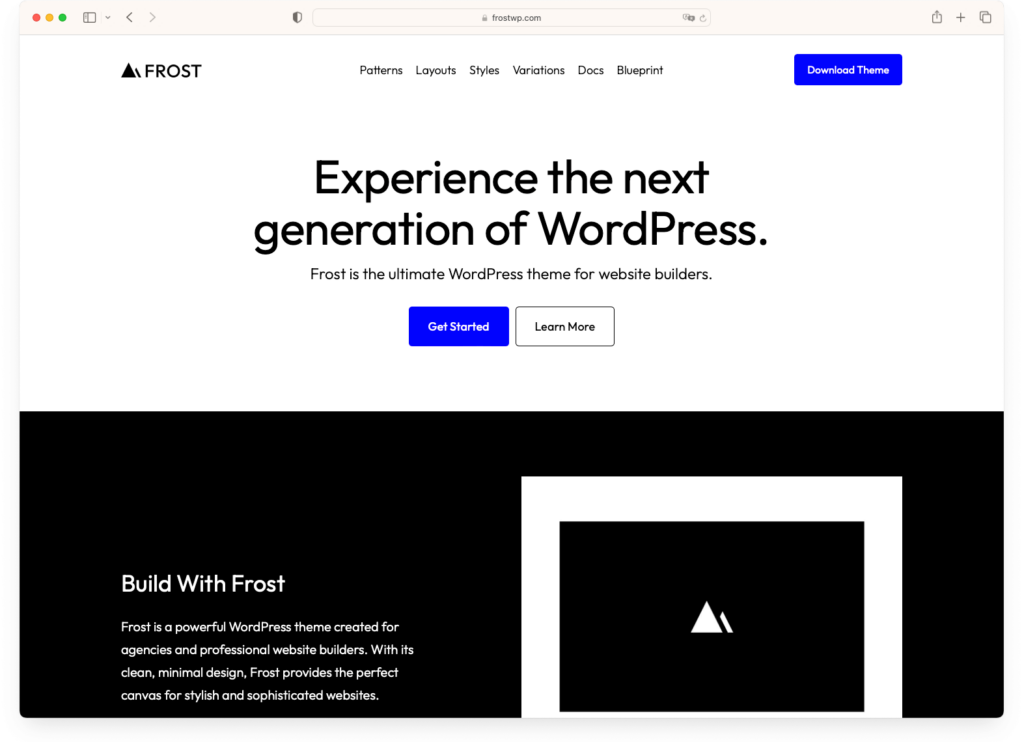
Frost, a top-tier block theme that fully uses WordPress Full Site Editing, ideal for those aiming to build stylish, functional, and innovative websites. With Frost, you can take your web design to new heights, thanks to its clean and minimal design intertwined with powerful features.
Frost’s patterns and layouts empower your creativity, providing an array of design options that enhance the aesthetic appeal and functionality of your website. The theme offers a variety of valuable patterns and a selection of layouts, enabling you to create engaging web pages and a strong online presence.
Furthermore, Frost ensures an optimal user experience, offering a powerful feature set that enables efficient website development and customization. It’s the perfect tool for agencies aiming to build modern and innovative websites.
4. Blockpress
Price: Free
Key Features
- Improved Workflow and Control
- Affordability and Flexibility
- High Performance System
- Ultimate Shopping Experience.
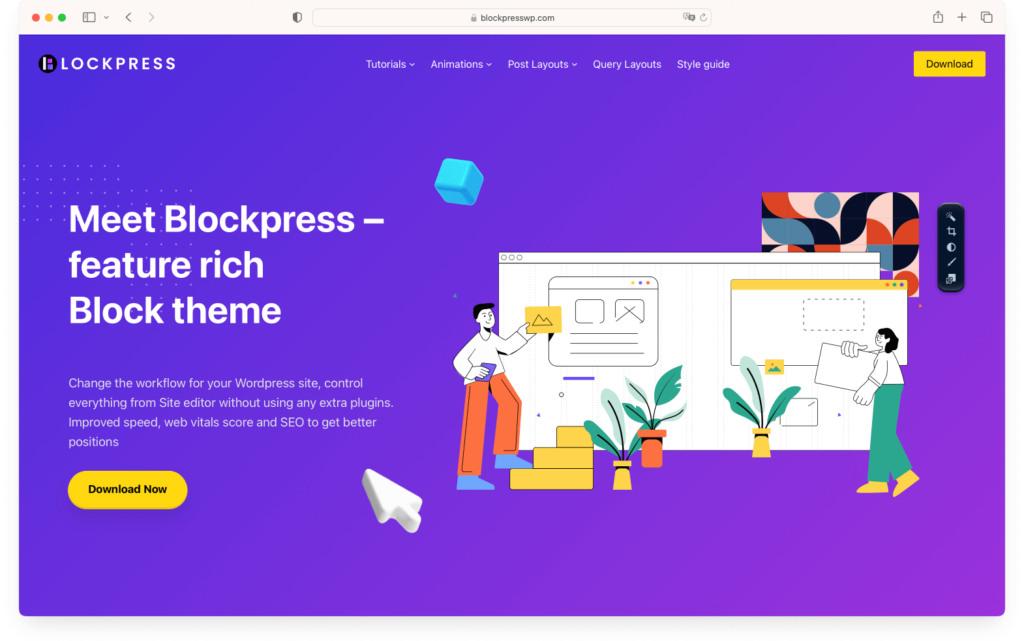
Blockpress is a standout block theme that fully leverages the capabilities of WordPress Full Site Editing feature. This theme not only offers improved workflow and control but also enhances speed, web vitals score, and SEO. With Blockpress, you’re in complete control without needing extra plugins.
Blockpress is also an extremely affordable and flexible option. It’s a lightning-fast theme with unique conditional asset loading that only requires 2 kb of styles. Plus, it includes an animation framework and advanced global options to customize colors and typography.
Its high-performance system ensures maximum possible performance with optimized assets, special loaders for blocks, and no dependencies on jQuery, font, or icon libraries. Moreover, it offers an ultimate shopping experience with WooCommerce support and optimized styles.
5. Ollie
Price: Free
Key Features
- Seamless integration with the Site Editor
- Unsurpassed level of design customization
- Time-saving and efficient Setup Wizard
- Creation of beautiful, customizable websites in minutes.
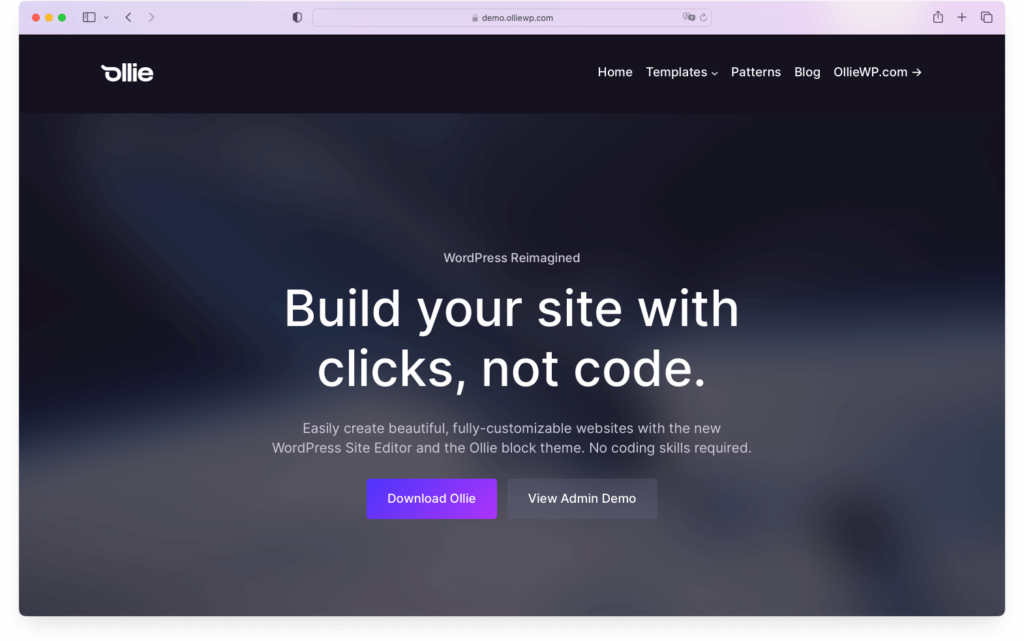
Ollie is a remarkable free WordPress block theme that revolutionizes the way you design and customize your website.
Ollie isn’t just a block theme, it’s a game-changer that integrates seamlessly with the WordPress Site Editor, granting you an unprecedented level of design customization.
The Ollie Setup Wizard is another component that sets Ollie free WordPress theme apart. It helps you go from a blank canvas to a ready-to-customize website in minutes. You’re guided through the process with just a few clicks, saving you both time and effort. It’s a one-of-a-kind experience that results in a beautiful, customizable website.
6. Spectra One
Price: Free
Key Features
- Customizable block designs with extensive styling options
- A wide variety of blocks, including comments, search, buttons, categories, etc.
- Attractive predesigned patterns for page design
- Advanced sidebar support and customization.
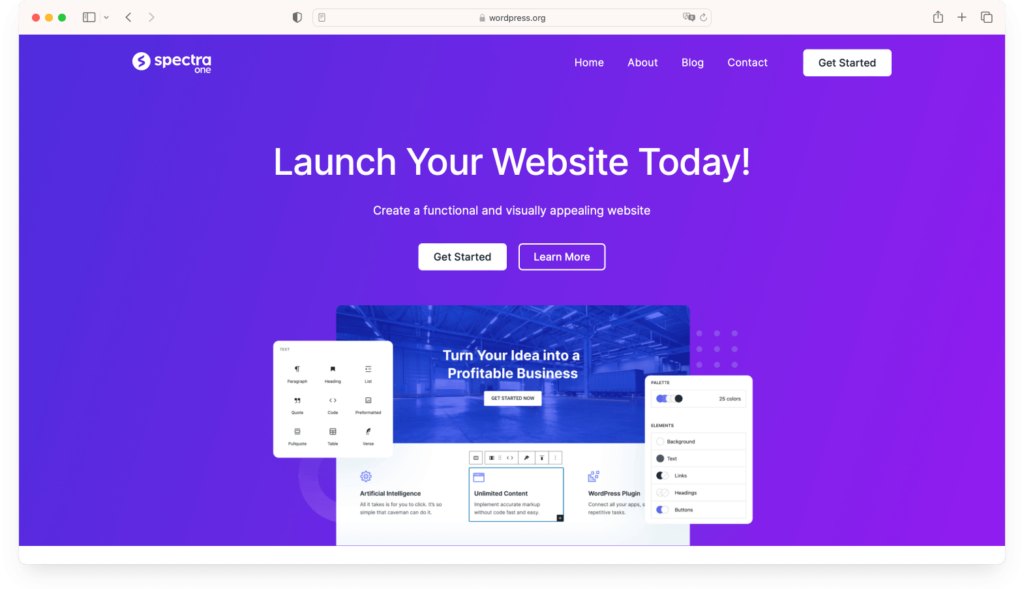
Spectra One is a game-changing free block theme, designed to meet the growing demand for performance-optimized and feature-rich WordPress block themes.
This theme was created in response to the surge in popularity of free WordPress block themes and the need for professional-grade features. It allows you to easily customize your website with a wide variety of blocks and expertly-designed presets. You can hide the header and footer for specific pages, customize sidebars, and even control how your blocks appear on different devices.
7. Catch FSE
Price: Free
Key Features
- Responsive minimal design
- Customizable colors, typography, and layout
- Intuitive drag and drop interface using block patterns
- FSE Pro Plugin for extended customization.
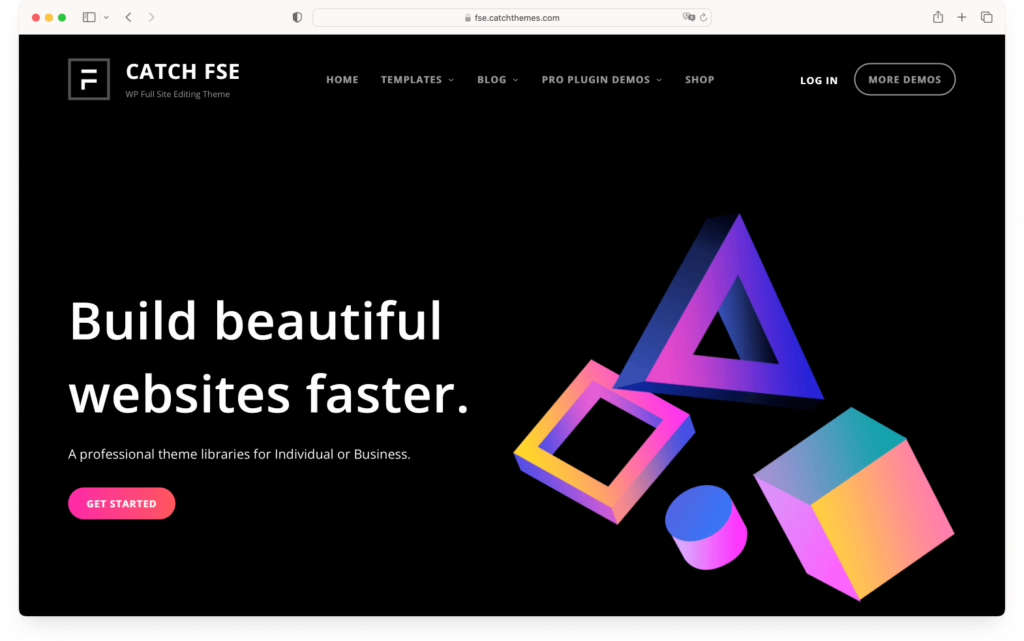
Catch FSE is one of the top 16 best full site editing themes on WordPress. It has a minimalistic design with versatile customization options. This theme offers a responsive design that adapts to different screen sizes, providing an optimized experience for mobile users. With its global styles feature, you can switch between dark or light color schemes, offering the freedom to tailor the theme to your unique brand identity.
The intuitive drag-and-drop interface, complemented by 15 block patterns, 15 FSE templates, and 9 template parts, makes site building a breeze. With the FSE Pro Plugin, you gain more control over site blocks and patterns, as well as premium design and creation tools. Furthermore, you’ll never feel lost with their dedicated support team and extensive documentation.
8. GreenShift
Price: Free
Key Features
- Full Site Editing support
- Advanced design customization options
- High speed and performance
- Built-in Animation framework
- Smart Loaders for complex layouts
- Variable fonts and special color and gradient panel.
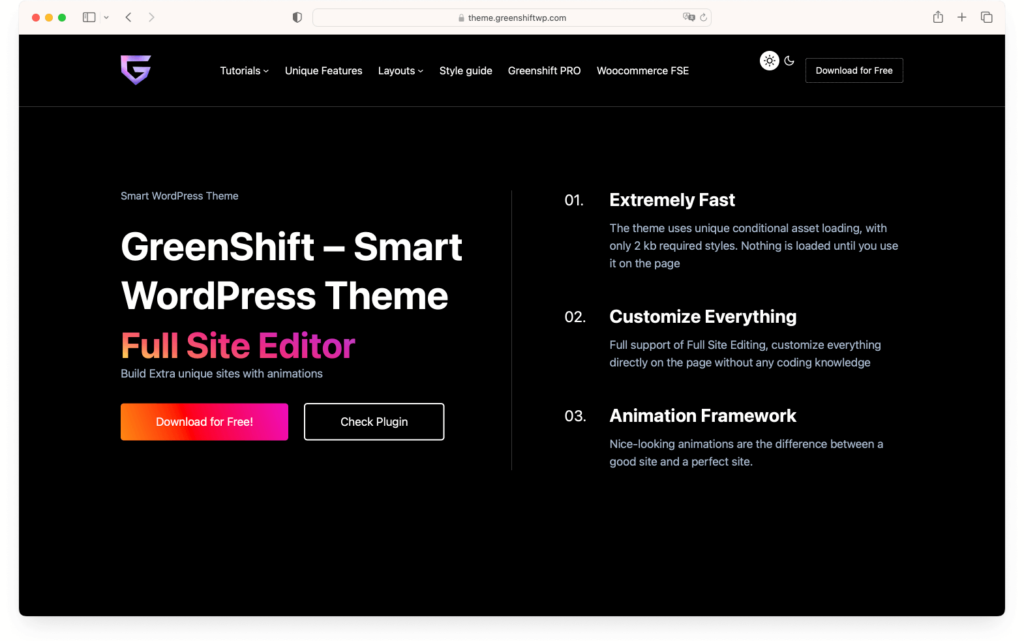
GreenShift is a WordPress block theme that focuses on speed, performance, and customization. It is a standout among the best full site editing themes
This theme offers unique conditional asset loading with only 1 kb required styles, ensuring maximum speed on your website. It’s a theme built for performance, scoring impressively high in web vitals, thanks to its lightweight nature.
What sets GreenShift apart is its advanced design options. You can customize colors, typography, and elements to your liking, without the need for extra plugins. It also supports full site editing (FSE), allowing you to control everything from the WordPress site editor.
GreenShift isn’t just a theme; it’s a comprehensive tool for creating a WordPress site that reflects your brand and meets your functional requirements.
9. Blockify
Price: Free
Key Features
- Smart dark mode system
- Minimal coding required for customization
- High performance for faster page loading
- User-friendly customization options
- Comprehensive design library for enhanced creativity.
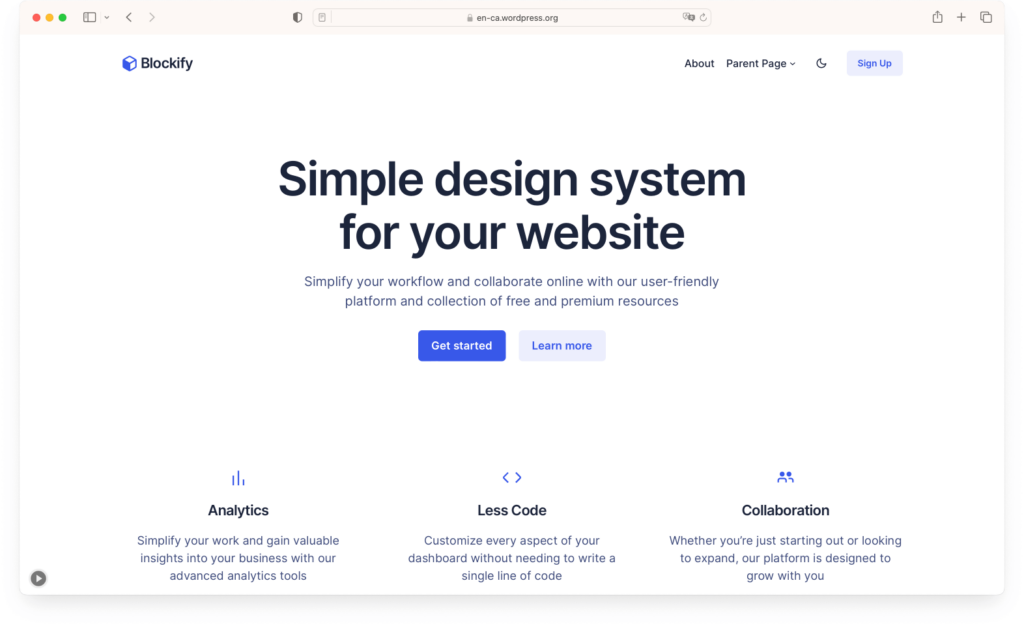
Next up on our list of best full site editing themes is Blockify, a versatile and powerful block theme designed with WordPress blocks in mind. This theme offers a smart dark mode system that enhances your editing experience while also boasting an easy-to-use customization process. Blockify is built with performance at its core, ensuring your website gets fast page speed scores and offers a smooth user experience.
You’ll appreciate the less code feature of Blockify, which allows you to customize aspects of your site without writing a single line of code. Furthermore, it offers a design library full of resources to help create WordPress sites faster. The library offers click-to-copy patterns, color palettes, gradients, and more, saving you time and effort.
10. Twenty Twenty-Three
Price: Free
Key Features
- Accessibility-ready
- Supports block editor styles and patterns
- Customizable color options
- Active community support and frequent updates.
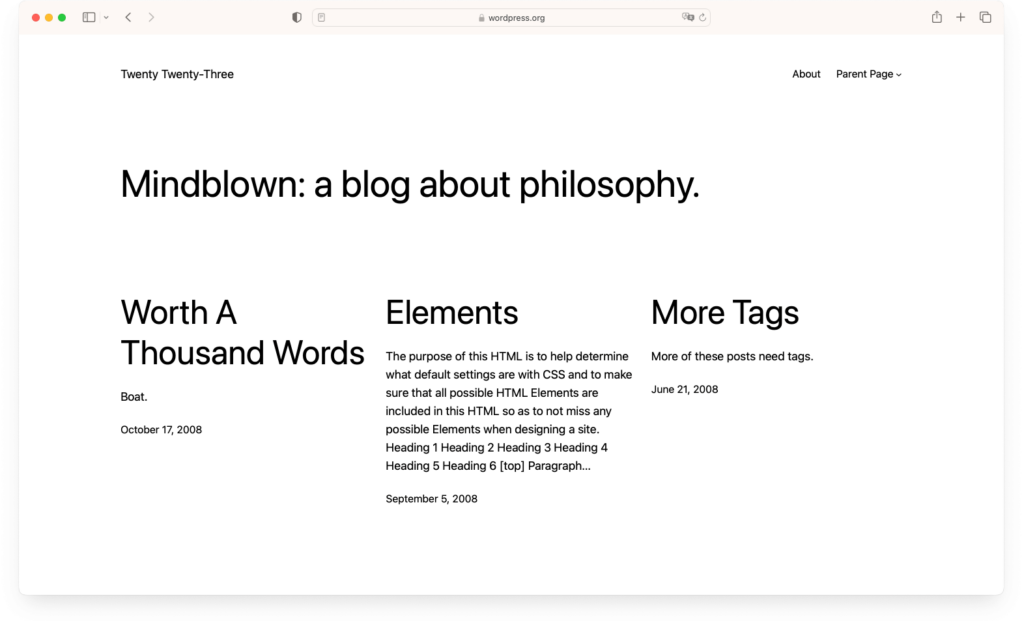
Twenty Twenty-Three is a free WordPress block theme, supported by a dedicated community and having over a million active installations. It is a standout option among best WordPress block themes. It’s a fully customizable theme that allows you to personalize your site to reflect your brand or personality. It’s also accessibility-ready and supports block editor styles and patterns, making it easy to create a professional-looking blog or website.
11. Björk
Price: Free
Key Features
- Crisp and clean design
- Full Site Editing
- Seven prebuilt theme styles
- Over 15 block patterns
- Fast loading with minimal CSS and no JavaScript.
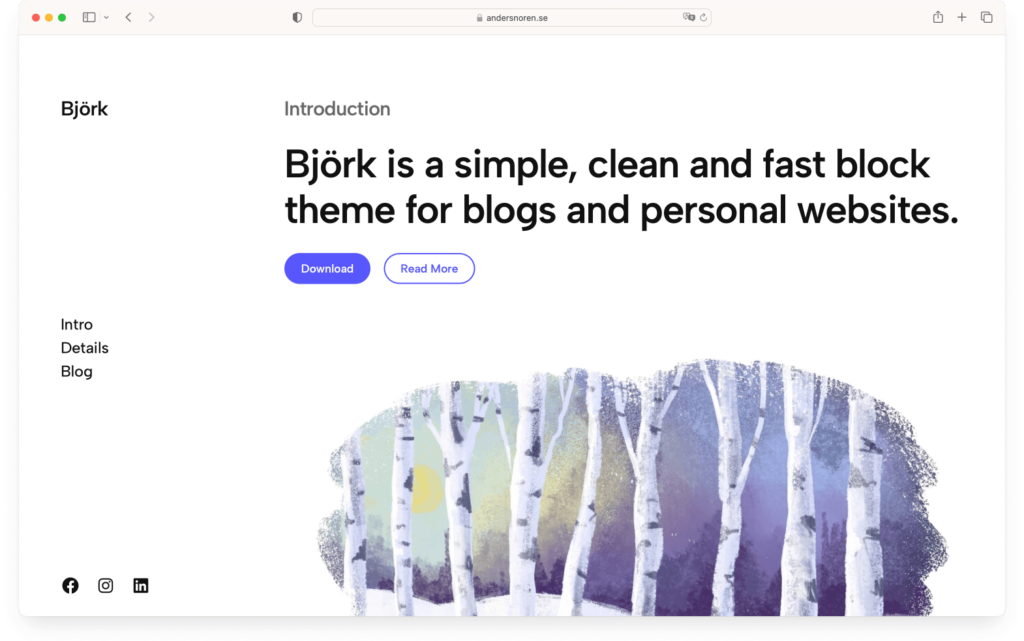
Björk is a top-rated WordPress block theme that’s designed with full site editing in mind. Its crisp, clean design prioritizes content, making it an excellent choice not only for blogs but also for other types of WordPress websites. Björk allows you to modify your header, footer, and other theme parts directly in the Site Editor, providing a seamless experience.
Björk supports Global Styles, enabling you to alter colors, type, and spacing effortlessly. You can easily switch up the font and background colors to create a unique look. It includes seven prebuilt theme styles and over 16 block patterns, streamlining the creation of unique page layouts. With only 9K of CSS and no JavaScript, Björk is built to load quickly, ensuring a fast and efficient user experience.
Bottom Line
As you can see, there’s a vast array of WordPress Full Site Editing themes available. All of them come equipped with outstanding designs, and their flexibility is unmatched thanks to block patterns and templates. These themes ensure faster website performance, which is not only beneficial for search engine rankings but also enhances the user experience for your visitors.
If you’re unsure where to start, here are our top 3 recommendations:
- UniBlock: Perfect for those wanting comprehensive control with a mix of unique designs and WooCommerce readiness.
- Inspiro Blocks: An ideal pick for bloggers and creatives, emphasizing drag-and-drop design and video integration.
- Foodie Blocks: A dream theme for food bloggers, boasting custom recipe blocks and top-notch SEO optimization.
What Full Site Editing theme would you choose for your next project? We’d love to hear your thoughts in the comments section below.
Still after more themes? Consider:
- The best WordPress video themes
- The best WordPress Elementor themes
- The best WordPress themes for food blogs
- The best WordPress recipe themes
- The best WordPress portfolio themes
- The best WordPress photography themes
- The best WordPress themes for travel blogs
- The best WordPress education themes
- The best WordPress magazine themes
- The best WordPress themes for podcasts
- The best WordPress themes for travel blogs
- The best WordPress business themes
- The best WordPress movie themes
- The best free WordPress themes