New Inspiro AI Demo Generator — can't find the perfect demo? Describe your website and AI builds a custom one in about 2 minutes. Learn more →
Ina Morosanu
WPZOOM Articles by: Ina Morosanu

Ina Morosanu Customer & Product Success Manager

Expertise WordPress Customer Success User Experience
Education Technical University of Moldova

Highlights

  • I've been working in the WordPress space for 10+ years. If there's one thing that's stayed constant, it's that I'd rather talk to a person than a ticket number. If you've ever reached out to WPZOOM for support, we've probably already met. The content I create here is driven by the same idea: real, practical help that makes your experience with WPZOOM's products as smooth as possible.

Experience

Customer & Product Success Manager at WPZOOM. Passionate about useful content, great user experiences, and making sure people get the most out of every product.

Achievements & Stats

  • WordCamp Europe 2020/2021/2022 Co-organizer

Latest articles by Ina Morosanu

Meet UniBlock PRO — Our First Premium Block-Based WordPress Theme

We’ve recently introduced UniBlock — our free block-based WordPress theme, intended to be fully compatible with the Full Site Editing concept, also known as Site Editor. To level up your experience, we’re happy to announce the release of UniBlock PRO — our first premium block-based WordPress theme. The theme is […]

WPZOOM Portfolio Plugin Release & Inspiro Lite Integration

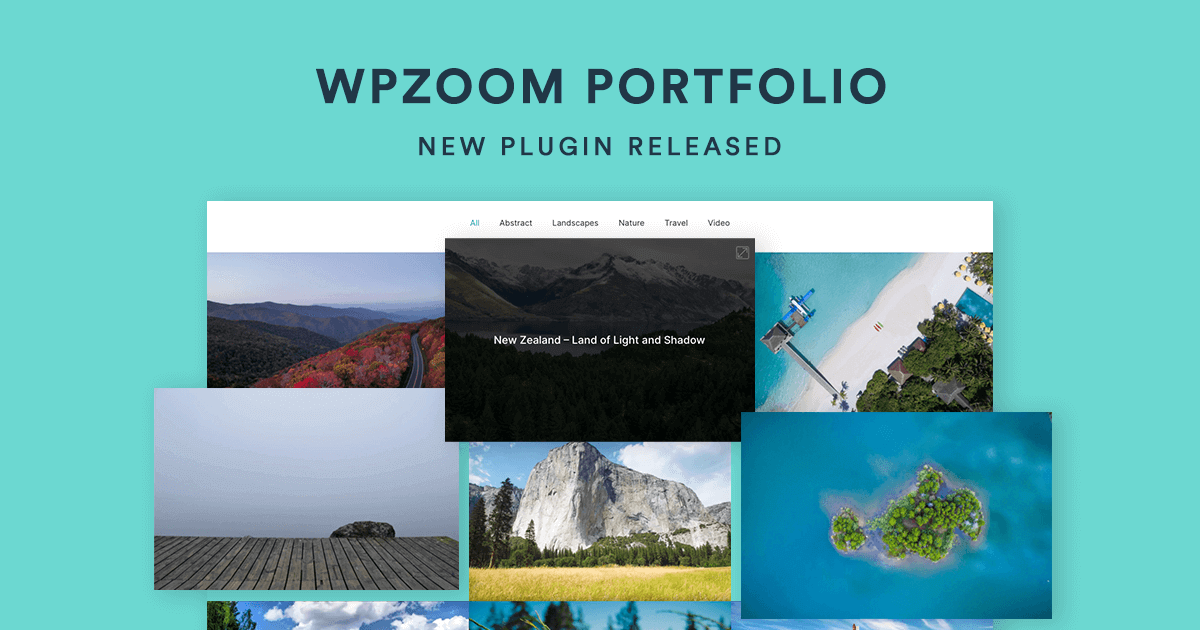
Great news! We’re happy to announce the release of a new plugin — WPZOOM Portfolio. Many Inspiro theme users and fans know how functional and useful the portfolio section of the theme is. That’s the reason we have decided to launch it as a separate plugin. This way, WPZOOM Portfolio […]

Meet the Remote Workplaces of the WPZOOM Team

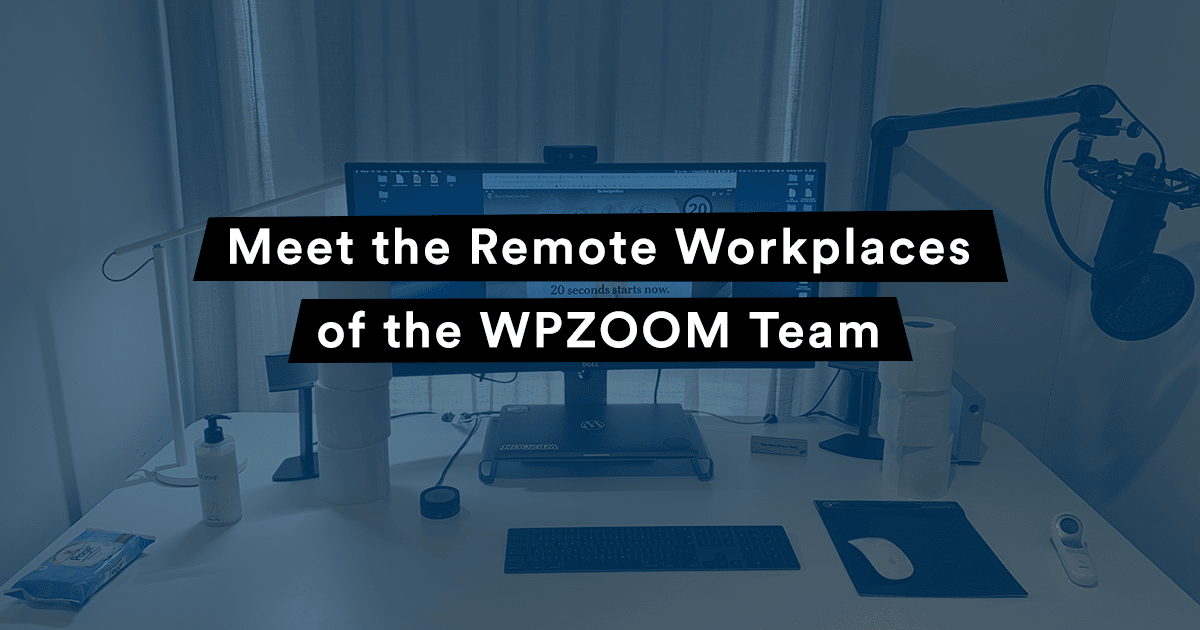
The world turned upside down lately, forcing the majority of people to work from their homes. For the WPZOOM team, working remotely is not something new. Some of our team members have been working remotely since they joined us, others had the experience of both working from home and from […]

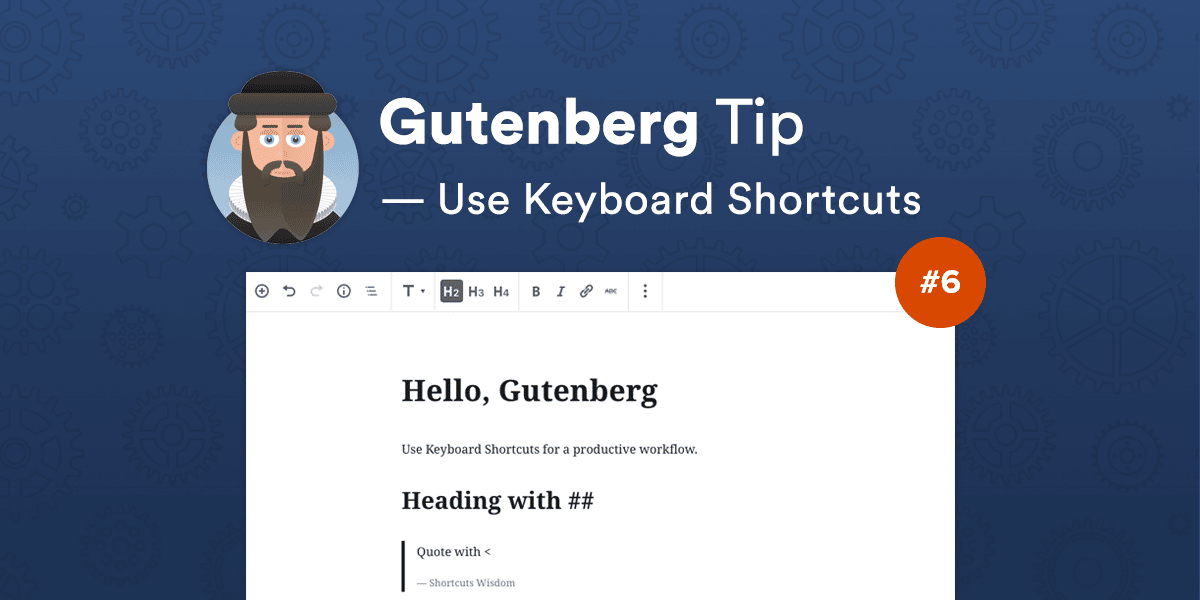
Gutenberg Tip #6: Use WordPress Keyboard Shortcuts

So far, we have learned that Gutenberg comes packed with some productive workarounds that help you stay concentrated while writing. Instead of clicking around and find what and where is, the new editor includes lots of WordPress keyboard shortcuts that can be used for your convenience.