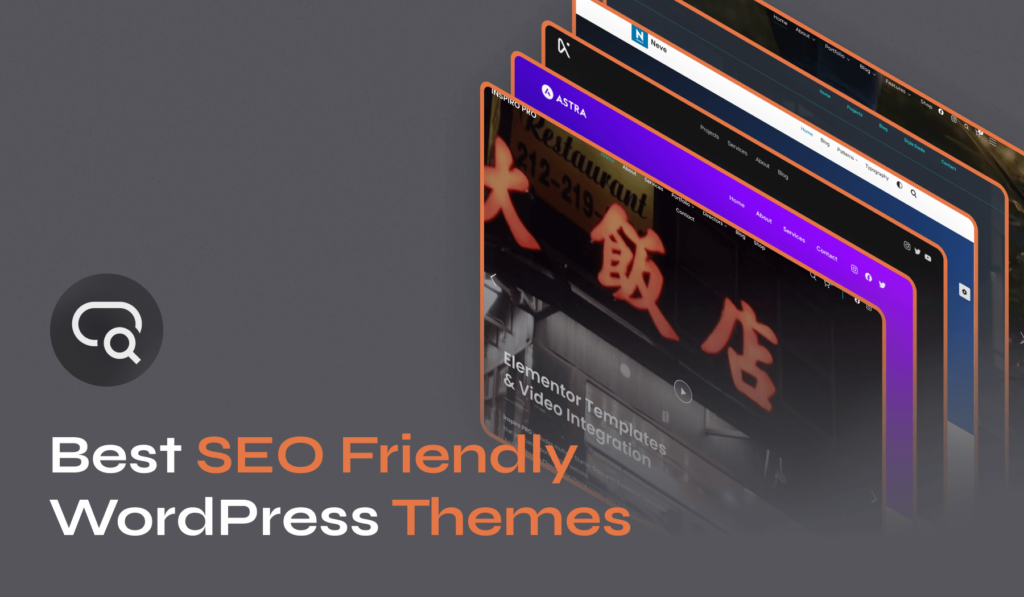
WordPress themes play a significant role in your site’s SEO. They determine your website’s structure, speed, and responsiveness – all key factors that search engines consider when ranking sites. An SEO-optimized WordPress theme will ensure that your website is accessible to search engines and can be easily crawled and indexed.
This article will explore the best SEO-friendly WordPress themes that can help elevate your website’s performance. Having a website that ranks well on search engines is not just an advantage but a necessity.
Top 3 Best WordPress Themes for SEO: Quick Look
- Inspiro PRO: Advanced WordPress theme with exceptional video/photo features for creative professionals.
- Astra: Fast, elegant WordPress theme with SEO-friendly design and extensive customizability.
- Divi: Versatile WordPress theme with advanced visual builder and SEO-optimized code.
Top 10 Best SEO-Friendly WordPress Themes: In-Depth Reviews
Selecting a suitable theme ensures your site is visually appealing and optimized for search engine visibility. The designers have created the following themes to be responsive, fast-loading, and coded with the best Search Engine Optimization practices in mind, providing a solid foundation for your content to rank well.
1. Inspiro PRO
Pricing: $69/year
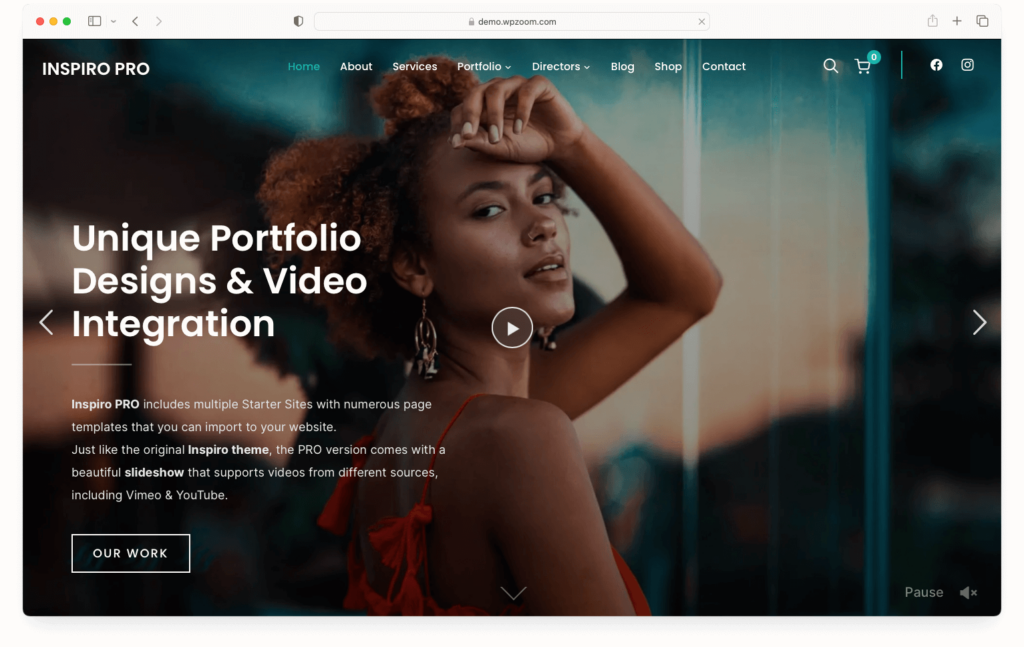
Inspiro PRO is a highly advanced WordPress portfolio theme that integrates seamlessly with the Elementor page builder. It stands out for its exceptional video and photo features, making it an ideal choice for creative professionals. The theme offers custom modules, various layout options, pre-built templates, and extensive customization possibilities, all tailored to provide a dynamic and user-friendly experience.
Inspiro PRO is fully compatible with both the free and premium versions of Elementor, offering drag-and-drop layout customization. This integration is further extended with the Elementor Addons by WPZOOM plugin, which includes unique widgets and templates to enhance the Elementor experience.
The theme boasts a fluid, responsive layout, ensuring your website looks perfect on all devices, including mobiles and tablets. This responsiveness is crucial for SEO, as Google prioritizes mobile-friendly websites.
Inspiro PRO allows you to create stunning portfolios with various layout options, catering to different styles and preferences. This feature is handy for showcasing your work in an SEO-friendly manner, as it enhances user engagement.
Unique to Inspiro PRO, the theme supports video autoplay on mobile and tablet devices and includes a fullscreen slideshow with video background capabilities. This feature is visually appealing and beneficial for SEO, as it can increase the time visitors spend on your site.
Inspiro PRO is ready for e-commerce with full WooCommerce support, allowing you to build an online store seamlessly integrated with your portfolio.
This SEO-friendly theme includes an Instagram bar in the footer, a sticky header, portfolio re-ordering, infinite scroll for blog posts, video background support on mobile devices, and customizable image aspect ratios.
The Inspiro PRO theme is compatible with popular SEO plugins like Yoast SEO and Rank Math. This allows users to leverage SEO plugins’ powerful features, facilitating better on-page SEO practices, content analysis, and technical SEO enhancements.
2. Astra

Pricing: $59/year
Astra is a highly regarded WordPress theme known for its speed, elegance, and customizability. It stands out as an excellent choice for those seeking SEO-friendly themes.
Astra is renowned for its superfast performance. It’s one of the most lightweight themes available, requiring less than 50 KB of resources, significantly lower than the average WordPress theme. The theme uses Vanilla JavaScript instead of jQuery, which is faster and reduces render-blocking issues, a critical factor in website speed and SEO performance.
The theme structures its codebase following the best Search Engine Optimization practices. It includes necessary Schema.org markup, enhancing its compatibility with search engines. This feature helps search engines better index and understand your website, potentially improving your site’s SEO ranking.
Astra allows extensive customization through the WordPress Customizer, enabling users to tailor their sites to their needs without coding knowledge. This flexibility benefits SEO as it will allow optimizing elements like headers, footers, and layouts to meet SEO standards.
Astra designs its framework to work seamlessly with major page builders, allowing it to create full-width pages with complete design freedom. This compatibility is vital for SEO as it allows for creating unique, engaging, and optimized content layouts that can improve user engagement and time on site.
3. Divi Theme
Pricing: $89/year
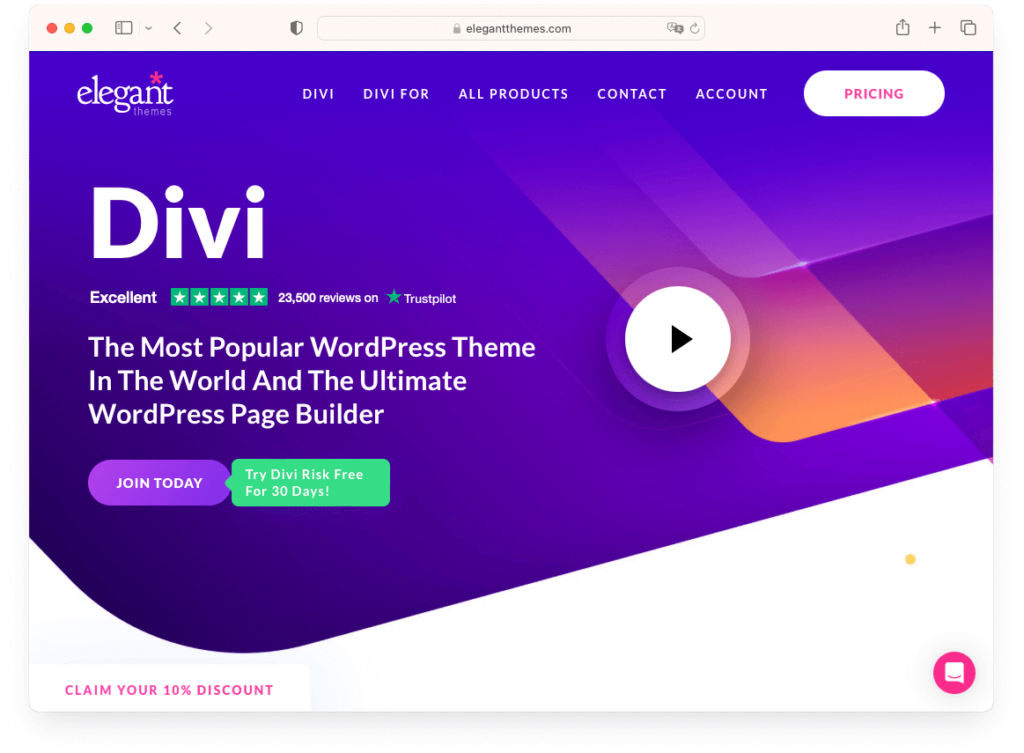
Divi is a highly versatile and popular WordPress theme renowned for its advanced visual builder technology. This theme transcends the typical WordPress experience, offering a new platform for website construction that replaces the standard post editor with a superior visual editor. This feature is accessible to both design professionals and newcomers, enabling the creation of impressive designs with remarkable ease and efficiency.
Divi focuses on aesthetics and ease of use while also being built with SEO in mind. The theme is coded with clean and optimized code, ensuring that websites built with Divi are SEO-friendly. This means faster loading times, responsive design, and better overall performance, which are crucial factors for SEO.
Additionally, Divi’s ability to integrate with various plugins and tools allows for further SEO optimization, making it a suitable choice for creating SEO-friendly websites. It is inherently responsive, providing complete control over how websites appear on mobile devices.
4. Neve
Pricing: $69/year
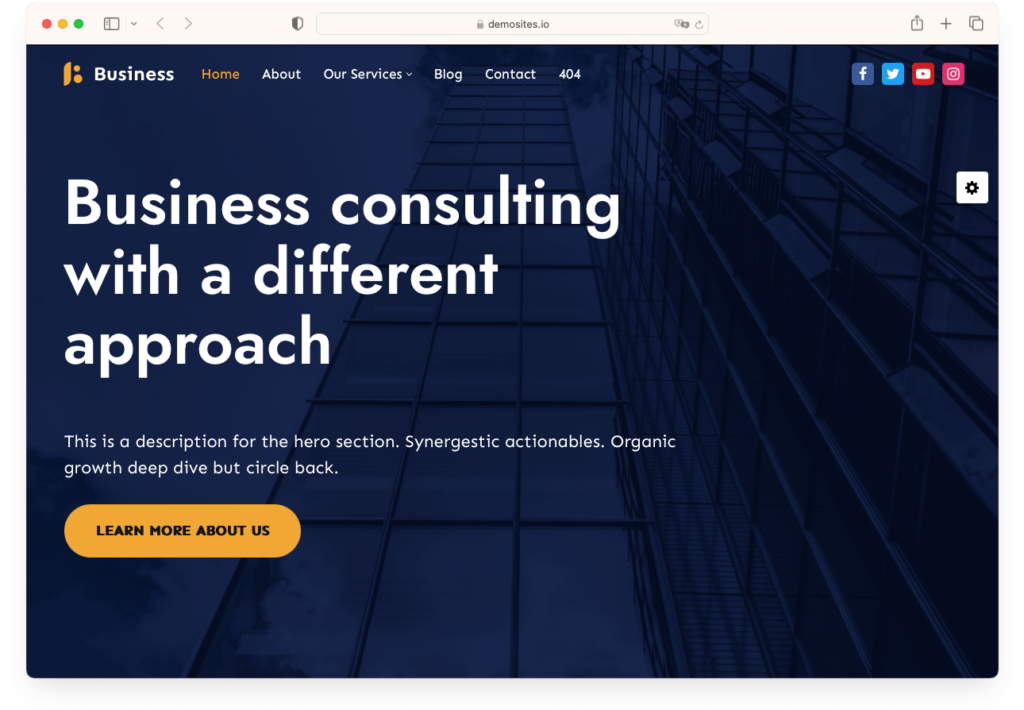
Neve is a versatile and fast WordPress theme, ideal for many websites, including blogs, small businesses, and startups. It stands out for its mobile-first approach, ensuring excellent performance. The theme is compatible with all major page builders, making website construction accessible to everyone, regardless of their technical skill level.
Neve is designed for speed, achieving top results in PageSpeed Insights performance tests. Despite its lightweight design (with a total default WordPress install as tiny as 28KB), Neve doesn’t sacrifice flexibility, offering a wide range of customization options.
The theme has an SEO-ready structure and a clean, optimized source code, helping websites rank better in search engine results.
With drag-and-drop components for headers and footers, global color palettes, and integration with popular page builders like Gutenberg, Elementor, and Beaver Builder, Neve is incredibly user-friendly and customizable.
In summary, Neve is an excellent choice for creating an SEO-friendly WordPress site. Its speed, flexibility, ease of use, and adherence to the latest web standards make it a strong candidate for any website looking to improve its search engine visibility.
5. GeneratePress

Pricing: $59/year
GeneratePress is a highly regarded WordPress theme renowned for its focus on speed, stability, and accessibility. This theme is an excellent choice for optimizing their website for SEO, as it prioritizes essential features that enhance site performance for visitors and search engines.
GeneratePress stands out as a lightweight WordPress theme designed to offer speed, stability, and accessibility. Its minimalistic approach ensures that your website loads quickly. The theme’s structure is optimized for speed, with a page size of just 7.5kb and minimal HTTP requests, making it an ideal foundation for achieving 100% PageSpeed scores.
The theme focuses on usability and accessibility, critical components of SEO-friendly design. It adheres to WCAG 2.0 standards, ensuring your website is accessible to all users, including those with disabilities.
GeneratePress offers customization controls, professionally designed starter sites, and block-based theme building. This elevates your website’s design and functionality, allowing for a more tailored and SEO-optimized experience.
Moreover, GeneratePress is compatible with top-rated plugins and page builders, ensuring seamless integration and flexibility. This compatibility is essential for maintaining site performance and stability, even when using various SEO tools and plugins.
6. Inspiro Premium
Pricing: $69/year
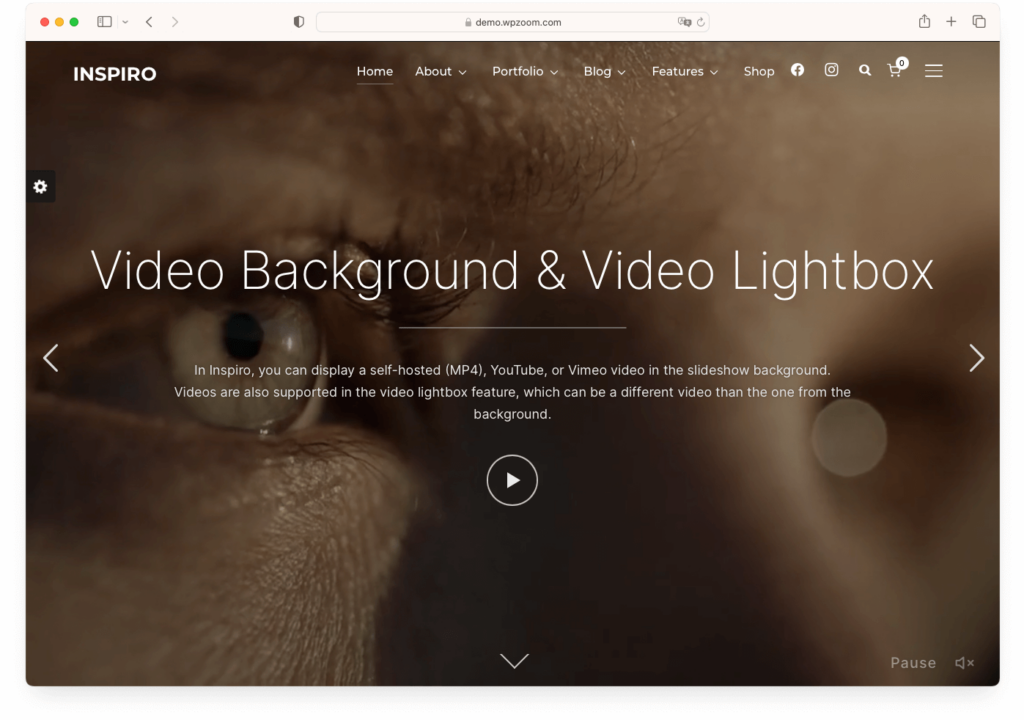
Inspiro Premium is an exceptional choice for those seeking a WordPress SEO theme that combines aesthetic appeal with SEO efficiency. The theme’s design and development are centered around performance, ensuring that it doesn’t impact the loading speed of your website, even during high-traffic periods.
Inspiro Premium supports popular drag-and-drop page builders like Elementor and Beaver Builder, enhancing user-friendliness and customization capabilities. Integrating these builders allows for easy layout customization, making creating a unique and SEO-friendly website a breeze.
Moreover, the theme includes over 20 pre-built templates, which you can import with just one click. Regular updates and improvements ensure that Inspiro Premium stays up-to-date with the latest coding practices, further contributing to its SEO-friendly nature.
Inspiro Premium is fully compatible with WooCommerce, making it an ideal choice for those looking to integrate an online store into their website without compromising SEO. The theme offers features like video lightboxes and video backgrounds, which can enhance user engagement — a positive signal for SEO.
With live customizer support, users can easily adjust colors, fonts, and layouts, ensuring that the site looks good and aligns well with SEO best practices. Inspiro Premium is crafted for complete responsiveness, ensuring that your site performs well on all devices, which is a crucial factor in Search Engine Optimization.
In summary, Inspiro Premium by WPZOOM is more than just a visually appealing theme; it’s a robust, SEO-friendly platform ideal for creative professionals who want to showcase their work without compromising website performance and search.
7. Hello Elementor

Pricing: Free
The Hello theme by Elementor is a versatile and SEO-friendly WordPress theme designed with an emphasis on speed and minimalism. It is specifically tailored to work seamlessly with Elementor’s famous page builder, enhancing the website creation process with its simple and efficient design.
The Hello theme prioritizes speed in its design. Its lean and no-bloat code ensures that websites load quickly. The theme’s minimalistic styling contributes to its fast loading times, with the site loading in just a quarter of a second and requiring only 6KB of resources.
This theme offers total design freedom, allowing users to spark creativity with over 100 widgets for powerful visual editing. It supports various design needs, from header and footer customization to responsive design across multiple devices.
For e-commerce websites, the Hello theme offers seamless integration with WooCommerce, providing a platform for creating better-converting shopping experiences.
It is versatile enough for any website, including portfolios, blogs, business services, and technology sites. The theme’s adaptability makes it an excellent choice for various industries.
The theme ensures a great user experience with its responsive design, making websites look good on mobile, desktop, and tablet devices.
8. Kadence
Pricing: $149/year
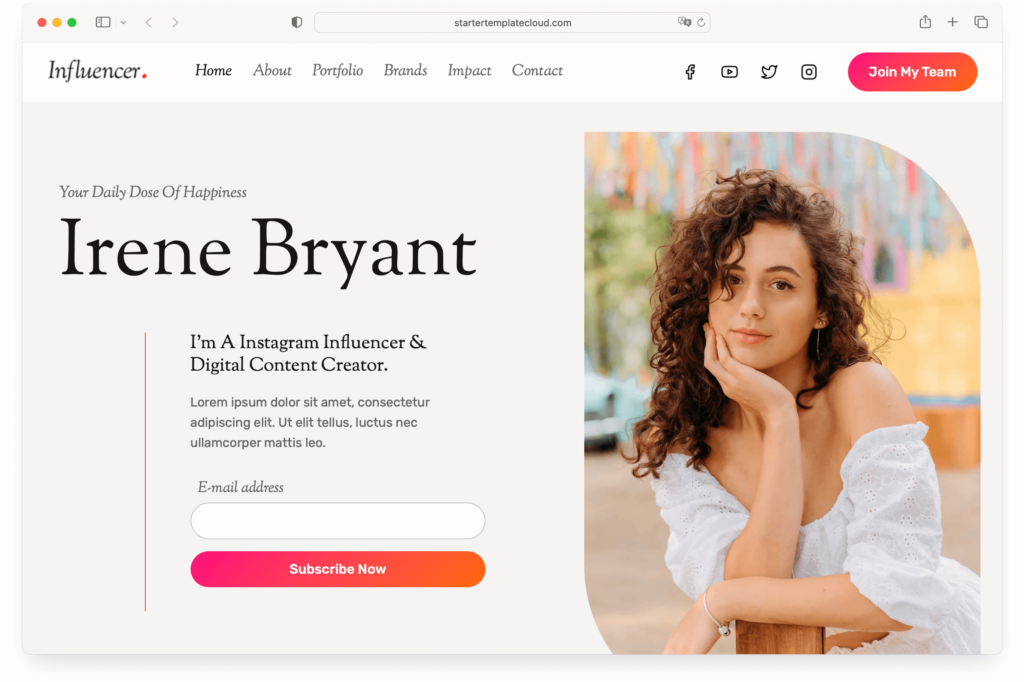
Kadence theme is a top choice for anyone looking to build an SEO-friendly WordPress website. This theme is renowned for its clean, professional design and emphasis on creating effective websites for any business. What makes Kadence particularly suitable for SEO purposes is its performance optimization. The theme is designed with a priority for page speed and site performance, ensuring that websites built with Kadence load quickly and efficiently, which is a critical factor in SEO rankings.
Moreover, Kadence Theme is incredibly versatile, offering a wide range of beautifully designed starter templates that are easy to customize. This flexibility allows the creation of unique websites that can stand out in search engine results. The theme also includes powerful page-building features with Kadence Blocks, enabling the creation of any layout imaginable and further enhancing the site’s SEO capabilities.
In addition to its SEO-friendly design, Kadence Theme is built with accessibility in mind, ensuring that websites are accessible to all users, which is another essential aspect of modern SEO. The theme also offers premium support, guaranteeing swift resolution of issues allowing for uninterrupted and optimal website performance.
Overall, Kadence Theme is a robust choice for anyone creating an SEO-optimized WordPress site. Its combination of speed, versatility, and accessibility, along with excellent support, makes it a standout choice for your article on the best SEO WordPress themes.
9. OceanWP
Pricing: $44/year
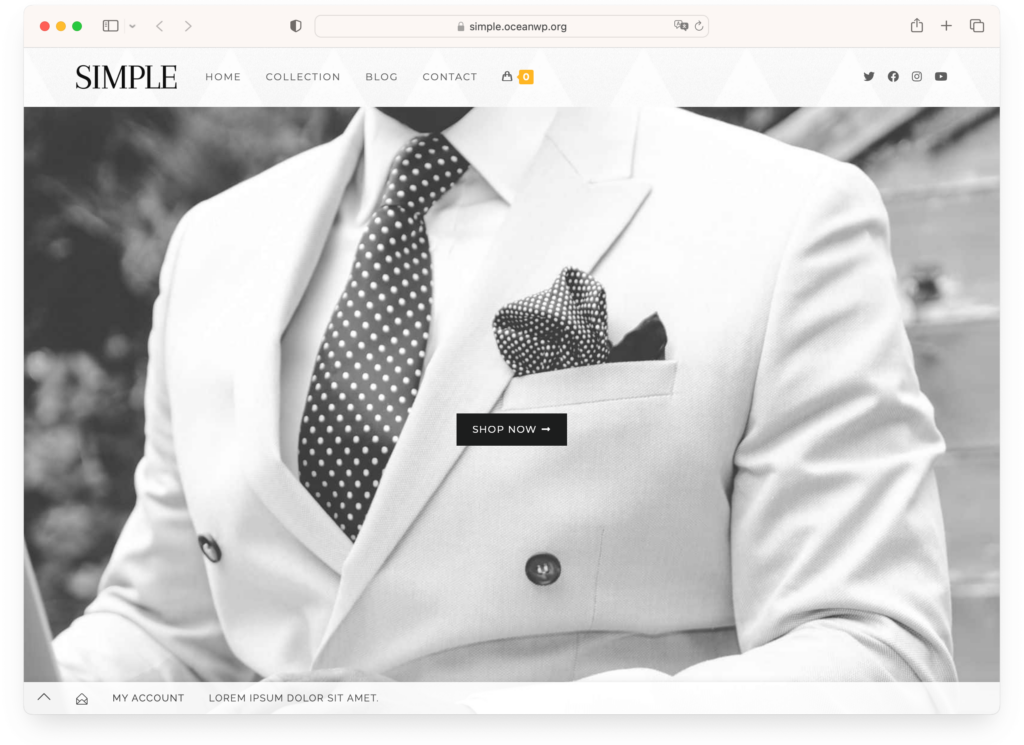
OceanWP is a prime choice for users seeking an SEO-friendly WordPress theme. Its design and structure adhere to the best SEO practices, ensuring that websites built with OceanWP are optimized for search engines immediately. This theme includes basic Schema markup, a crucial feature for enhancing SEO performance by helping search engines understand the content on your website.
Beyond its SEO capabilities, OceanWP is known for its complete and flexible functionalities. Whether you’re building a blog, an eCommerce site, or a business website, OceanWP provides a robust foundation with complete user control over features, ensuring a clean, usable, and bloat-free workspace. Its extensive customization options allow for global and individual page-level adjustments to maximize your site’s potential.
Accessibility is another crucial aspect of OceanWP. Approximately 60% of what makes a website accessibility-friendly is related to its code. OceanWP regularly updates its code in line with the latest WAI-ARIA guidelines, ensuring that your website is SEO-friendly and accessible to all users.
The theme’s responsiveness is noteworthy as well. With OceanWP, your website will look and function seamlessly across all devices, a factor that is increasingly important for SEO as mobile usage continues to rise. The quality of the theme’s code ensures that all options work together smoothly, providing a fast and efficient user experience – another critical element for good SEO.
In summary, OceanWP is more than just a visually appealing theme; it’s a comprehensive solution for anyone looking to create an SEO-optimized, accessible, and responsive website with ease. Its compatibility with major page builders like Elementor and WooCommerce readiness further adds to its appeal, making it a top choice for your SEO-friendly WordPress theme needs.
10. Superb Pixels
Pricing: $39/year
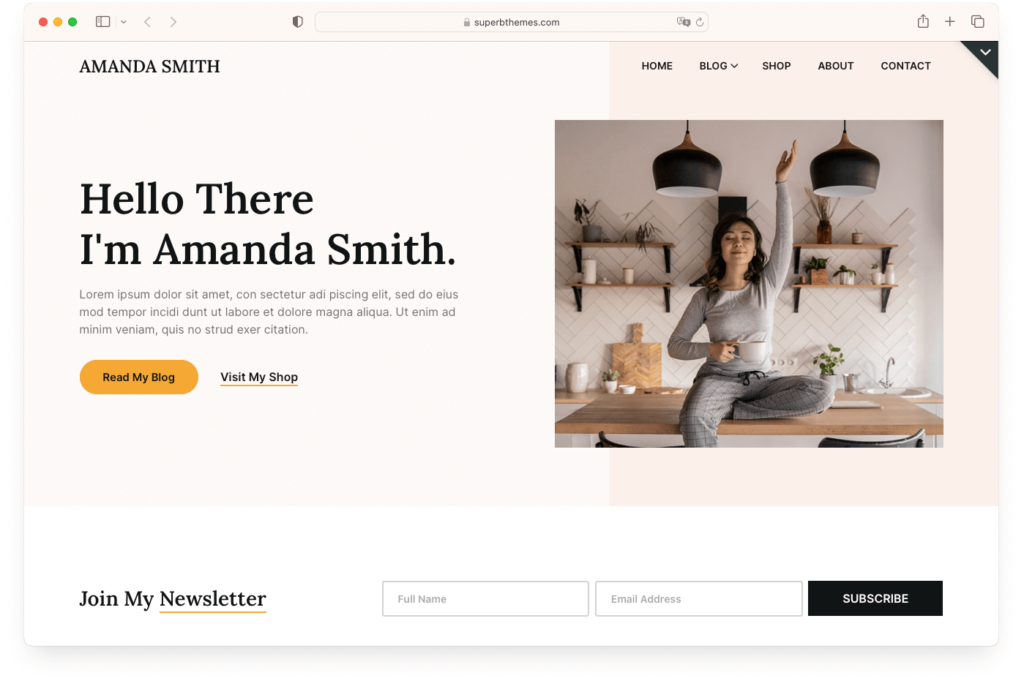
Superb Pixels is a premium SEO WordPress theme that stands out for its user-friendly design and intense focus on SEO optimization. This theme actively helps websites achieve higher rankings on Google.
With a 100% speed grade and a load time of just 352ms, Superb Pixels promises lightning-fast performance. This enhances user experience and positively impacts SEO, as search engines favor fast-loading websites.
The theme offers extensive customization options, allowing you to tailor your website to fit your brand’s identity. You can customize everything from colors to fonts, and it even offers 1-click design import for those who prefer a quicker setup.
Superb Pixels have various layouts and features, including header layouts, blog layouts, and featured image modes. It’s also translation-ready and optimized for image loading, enhancing its SEO capabilities.
Superb Pixels is a top choice for anyone looking to create an SEO-friendly WordPress site. Its speed, customization, SEO optimization, robust customer support, and large user base make it a valuable addition to the list of the best SEO-optimized themes.
Bottom Line
Choosing an SEO-friendly WordPress theme is a strategic move that can significantly impact your site’s visibility. Opt for themes that prioritize speed, mobile responsiveness, and clean code. Here’s a quick rundown:
- Inspiro PRO: Dynamic WordPress theme perfect for creative portfolios with rich media.
- Astra: Sleek and speedy, excels in SEO efficiency and user-friendly customization.
- Divi: A visually striking theme blending ease of use with SEO-focused design for diverse websites.
Remember that the selected theme sets the foundation for your SEO efforts, so analyzing features and anticipating future trends is critical. Being detail-oriented in your selection will ensure that your website isn’t only aesthetically pleasing but also optimized for search engines.