WPBruiser uses the visitor’s IP address for the allow and block lists, brute-force detection, the country shown in Reports and, in WPBruiser Pro, country blocking and rate limits. When your site sits behind a CDN, a load balancer or a security proxy, every request reaches your server from the proxy’s address, and the real visitor address travels in an HTTP header. This article shows how to tell WPBruiser which header to trust.
Table of Contents
WPBruiser recognises these services and reads their visitor-address header on its own: Cloudflare, Incapsula, Amazon CloudFront, AWS Elastic Load Balancing, Rackspace and Sucuri. If your site uses one of them, there’s usually nothing to do.
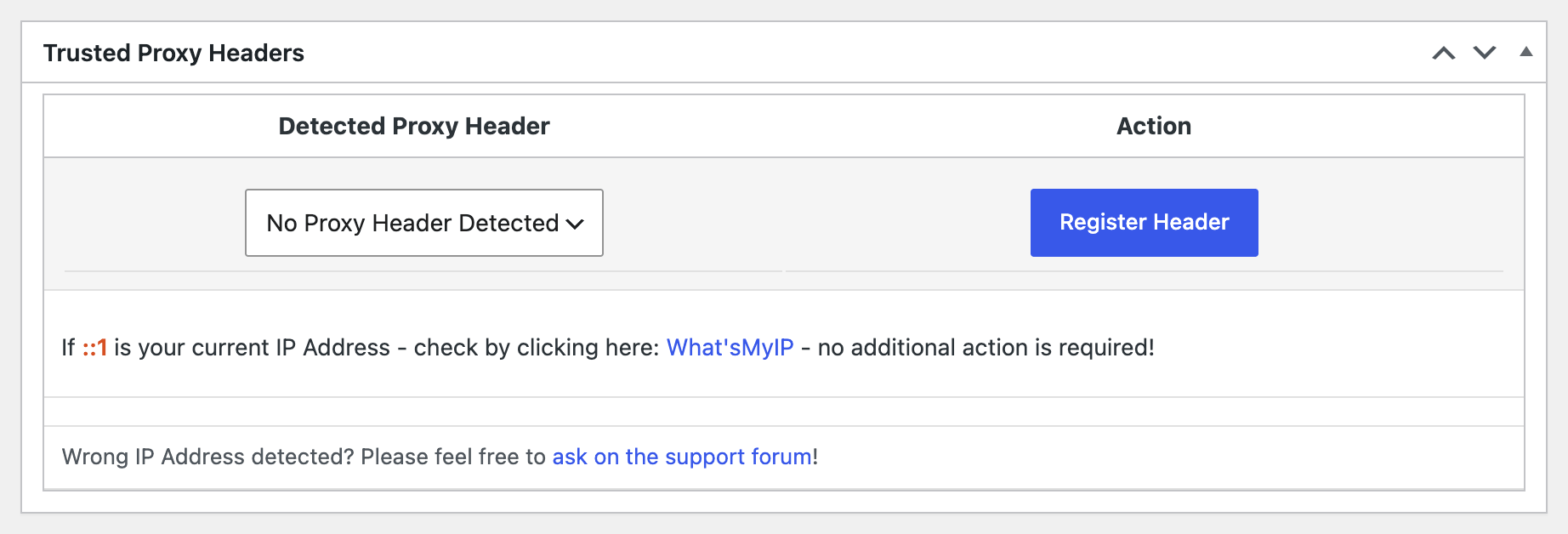
If the two match, WPBruiser sees real visitor addresses and no action is needed. If WPBruiser shows your server’s or your proxy’s address instead, register the header your proxy uses, as below. Otherwise every visitor would appear to have the same address, and blocking that address would block everyone.
HTTP_X_FORWARDED_FOR or HTTP_X_REAL_IP. “No Proxy Header Detected” means the request carried none.Only register a header your proxy actually sets. Headers such as
X-Forwarded-Forcan be faked by anyone when a site is not behind that proxy, which would let a bot pick any address it likes. If you’re not sure which header to use, ask your host or CDN, or start a topic on the support forum.
Registered headers are listed in the box with a Remove button next to each. Remove a header if you stop using the proxy that sets it.
