The Integrations screen lists every plugin WPBruiser can protect, free and Pro, as a card. Each card shows whether that plugin is active on your site and has a switch to turn protection on or off. Changes are saved as soon as you flip a switch.
Table of Contents
Go to WPBruiser → Integrations.
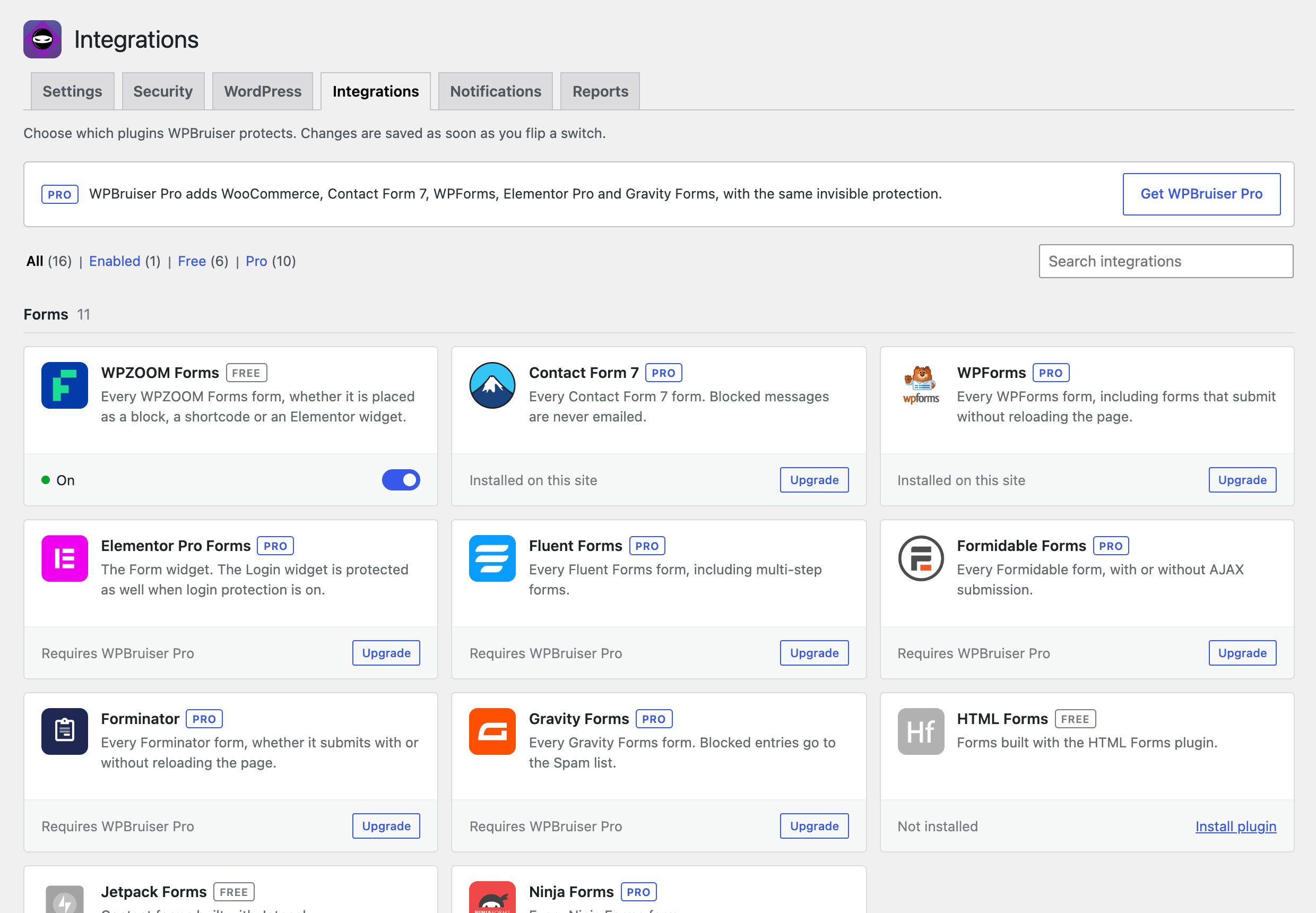
When the plugin a card belongs to is active, the card shows a switch:
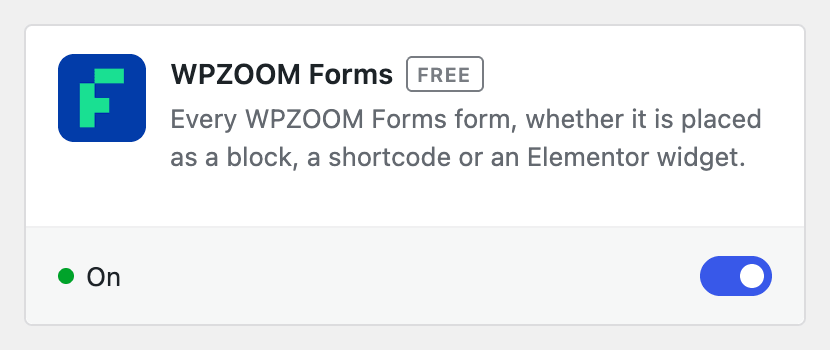
On a new install, WPBruiser switches on every free integration whose plugin is already active. If you activate a supported plugin later, come back here and switch its card on.
The bottom line of a card tells you why a switch is or isn’t available:
| Status | Meaning |
|---|---|
| On / Off | The plugin is active; use the switch. |
| Installed, not active | The plugin is installed but deactivated. Activate it under Plugins first. |
| Not installed | The plugin isn’t on your site. Free integrations show an Install plugin link. |
| Installed on this site + Upgrade | A Pro integration for a plugin you use. Protecting it needs WPBruiser Pro. |
| Requires WPBruiser Pro | A Pro integration for a plugin you don’t use. |
| Plugin | What is protected |
|---|---|
| WPZOOM Forms | Every form, whether placed as a block, with the [wpzf_form] shortcode or as an Elementor widget |
| Ultimate Member | Login, registration and password reset forms |
| WP-Members | Login and registration forms |
| Jetpack | The Jetpack contact form |
| MC4WP: Mailchimp for WordPress | Every sign-up form |
| HTML Forms | Every form |
Login With Ajax and wpDiscuz have no card: they are covered by the login and comment options on the WordPress screen.
With WPBruiser Pro active, these cards get switches too, and they’re switched on automatically for the plugins you already use:
