WPBruiser can email you when it detects a brute-force attack and whenever someone with administrator rights signs in. Both notifications are on by default and go to your site’s admin email address; you can change the address or turn either email off on the Notifications screen.
Table of Contents
Go to WPBruiser → Notifications:
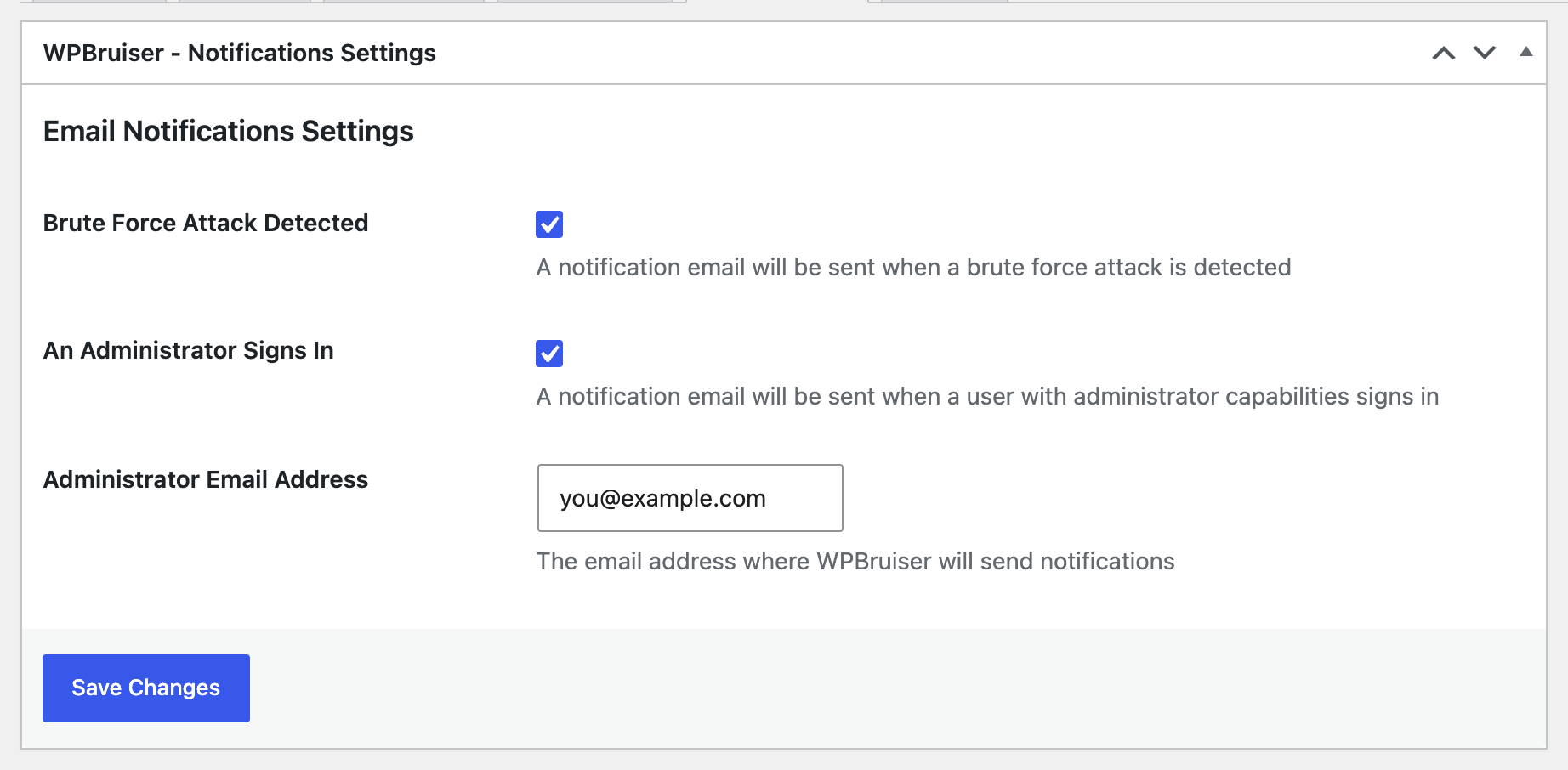
Click Save Changes after making changes.
The same address receives the result of every check while Test Mode is on.
You get one email, with the subject “Alert – Brute Force Attack Detected by WPBruiser!”, when WPBruiser decides your site is under attack (more than 35 blocked logins in a minute). It tells you when the attack was detected, how many login attempts came from how many IP addresses, and how many of those addresses are already on your block list or on the bundled lists of web attackers and anonymous proxies. You won’t get another email until that attack has ended. The addresses themselves are listed in WPBruiser → Reports. See Brute-Force Protection and Hardening for what WPBruiser does during an attack.
Every successful sign-in by an administrator triggers an email. If you get one you don’t recognise, change that account’s password straight away and review Users for accounts you didn’t create.
On sites where administrators sign in many times a day, you may prefer to turn this email off.
WPBruiser sends mail through WordPress’s normal mail function, so if other WordPress emails (like password resets) don’t arrive either, the problem is your site’s mail setup rather than WPBruiser. An SMTP plugin that sends through a real mail service usually fixes it. Also check your spam folder.
