FLASH SALE Get 20% OFF everything using the coupon code: FLASH20 View Pricing Plans →
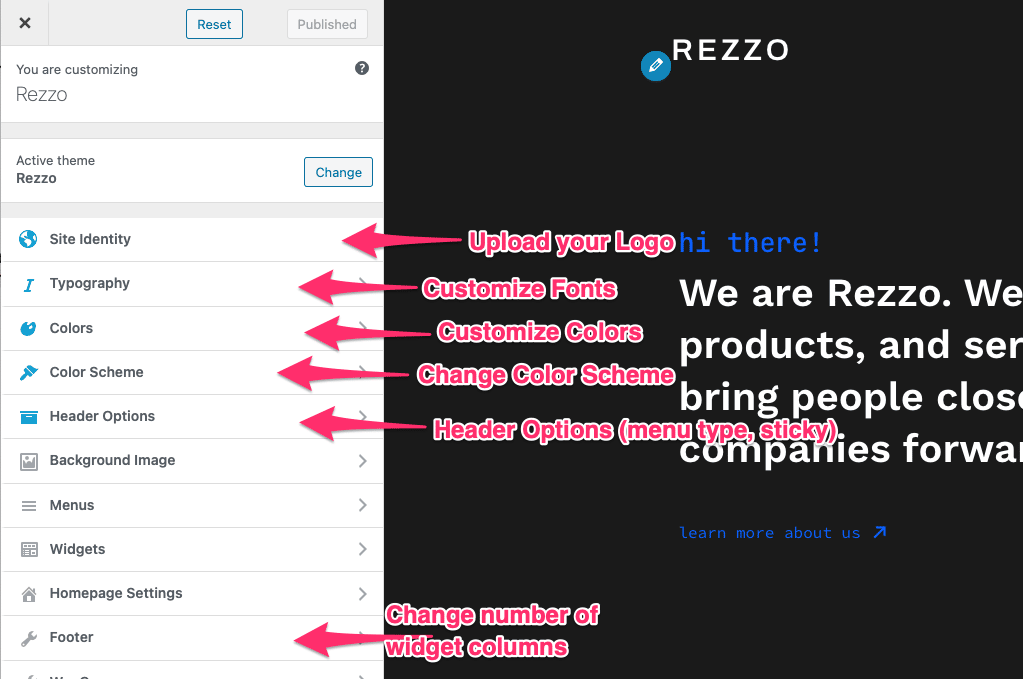
In Rezzo many options can be changed and customized from Theme Customizer. You can access the Customizer from Themes Page.
In Site Identity you can upload your own logo image.