By default a portfolio post opens like any other page: with the site header, the featured image or video at the top, and the footer. Since Inspiro Premium 9.8.8 you can instead open every project as a Modal — a lightbox-style page where the header and footer are hidden, the project’s video plays inline at the top with player controls, and the content follows below. From a portfolio grid the project opens in place, without a page reload.
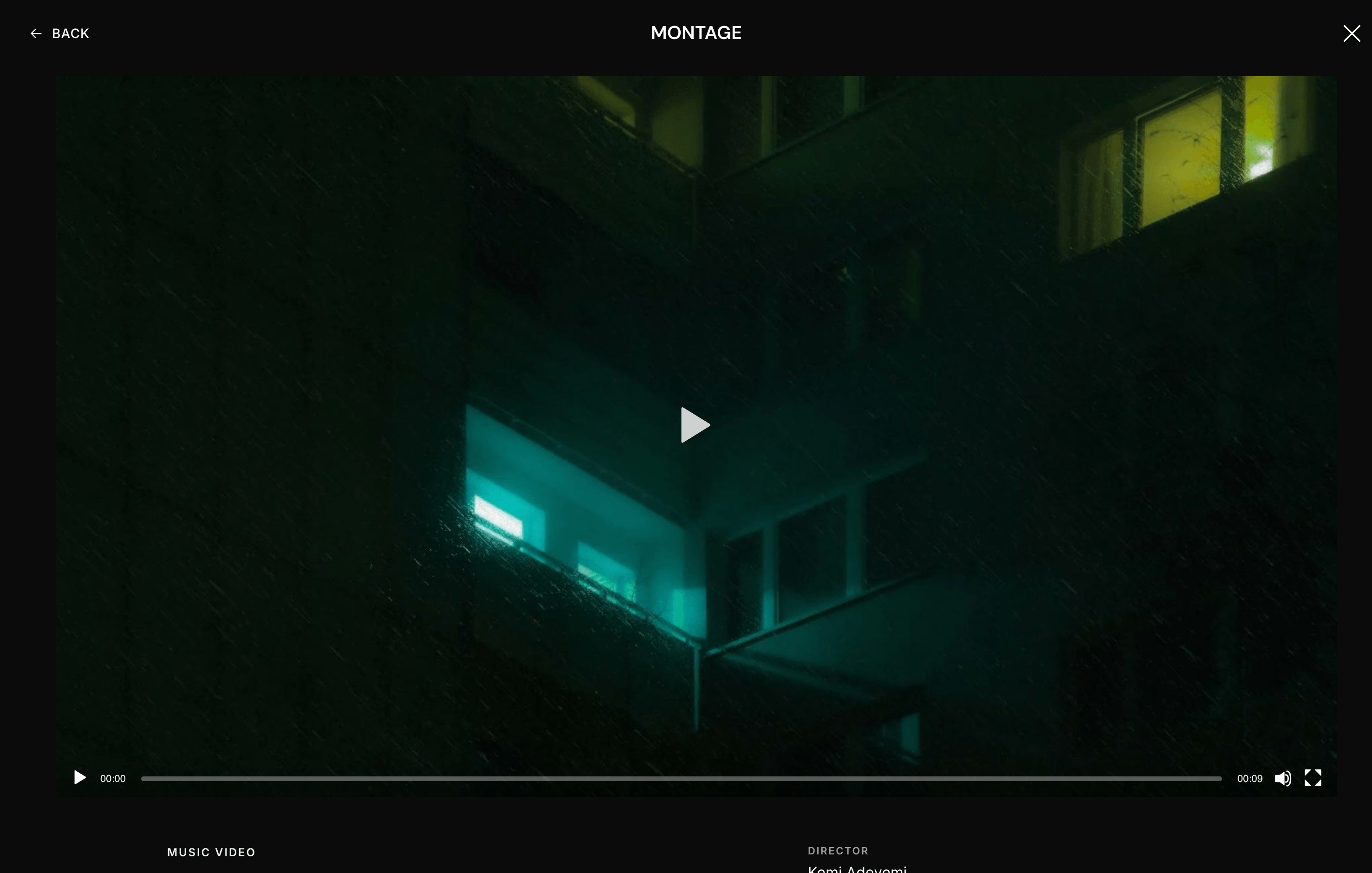
See it live: open Open Country on the Montage demo — a project in the Modal Dark style — then use the Back link to return to the grid and click another tile to see it open in place.
The same panel in Theme Options also holds the On Item Click option, which decides what a click on a portfolio item does: open the lightbox, open the post, or both depending on where you click.
Table of Contents
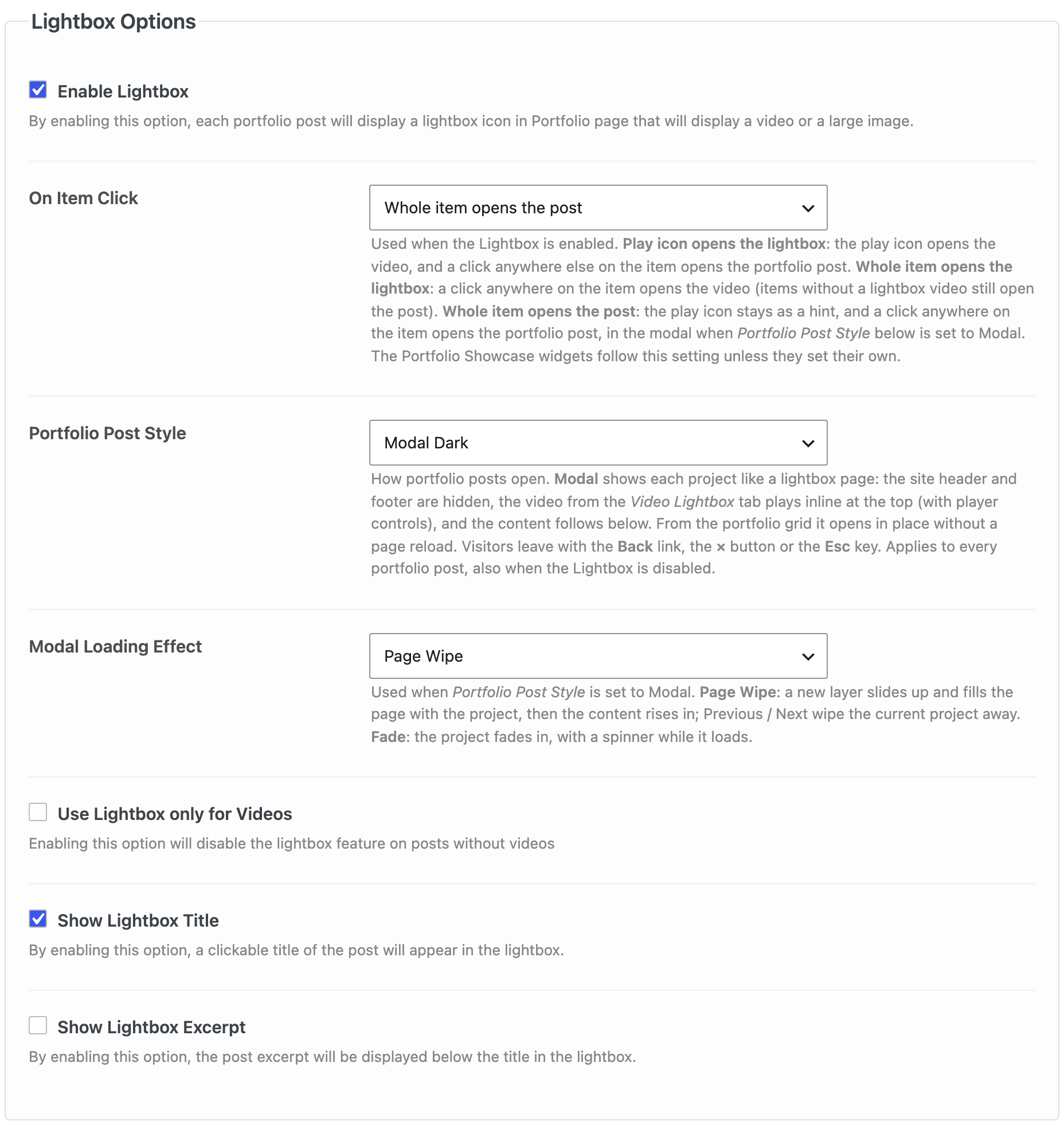
Portfolio Post Style controls how single portfolio posts open:
In the modal, the video added in the Video Lightbox tab of the portfolio post plays inline at the top, with player controls (self-hosted, YouTube and Vimeo videos are all supported). If the post has no lightbox video, the Video Background on Single Post video or the featured image is shown instead. The post content, project details and the Previous / Next project links follow below.
Opened from a portfolio grid, the project loads in place without a page reload. The address bar still shows the project’s own URL, so the browser’s Back button, a page refresh and shared links all work as expected — a shared link simply opens the project as a full page in the same modal style.
Visitors leave the project with the Back link, the × button or the Esc key.
The style applies to every portfolio post, also when the Lightbox is disabled or when visitors arrive directly on a project URL.
For live examples see the Montage starter site (Modal Dark, e.g. Open Country) and the Index starter site (Modal Light, e.g. The Ferryman).
Used only when Portfolio Post Style is set to one of the Modal styles:
On Item Click is used when the Lightbox is enabled and decides what happens when a visitor clicks a portfolio item in a grid:
The Portfolio Showcase widget (Elementor) and the Portfolio Showcase block follow the theme’s On Item Click setting unless you choose a different behavior in the widget itself. In Elementor, edit the widget, open the Lightbox section and set On Item Click — the first choice, Theme setting, keeps the value from Theme Options.
When Portfolio Post Style is set to Modal, every link to a portfolio post from these widgets opens the modal, including the Portfolio Index widget’s Open project link.
See also:
