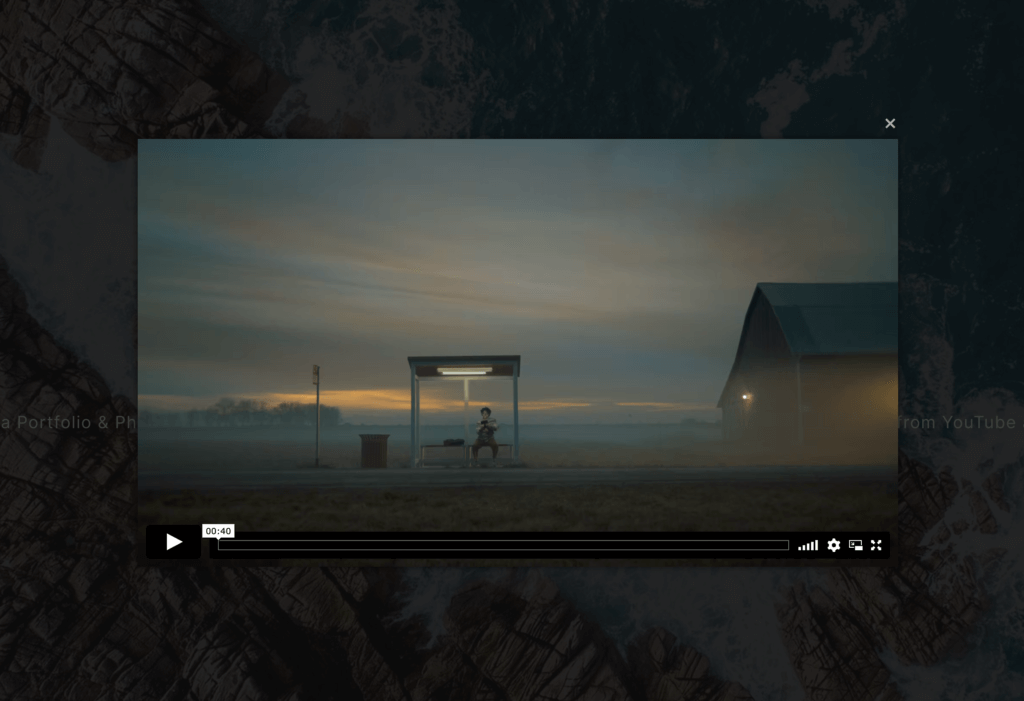
The built-in hero area from the Inspiro Lite theme includes support for video in the background, but there is no option to display a Play icon with a video popup.
Thanks to a new Gutenberg block we’ve released recently, it’s now possible to add a video lightbox at the top of your front page.
The plugin needed for this tutorial is called Video Popup Block by WPZOOM.
It can be installed in seconds directly from the Gutenberg editor when editing your front page, as this is a single-block plugin, and such plugins can be installed much faster.
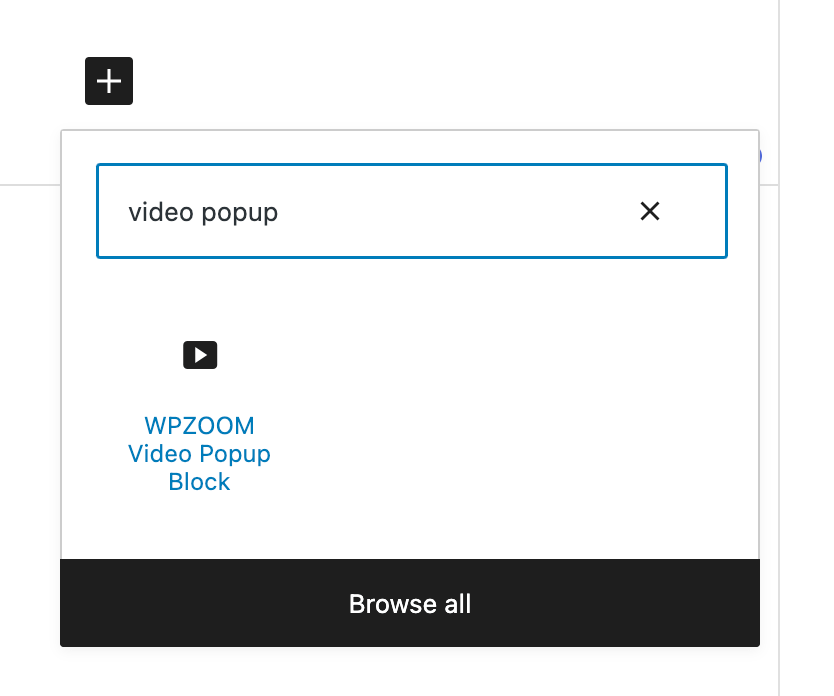
Just click on the ➕ button in the top-left corner, and start typing something like “video popup“.
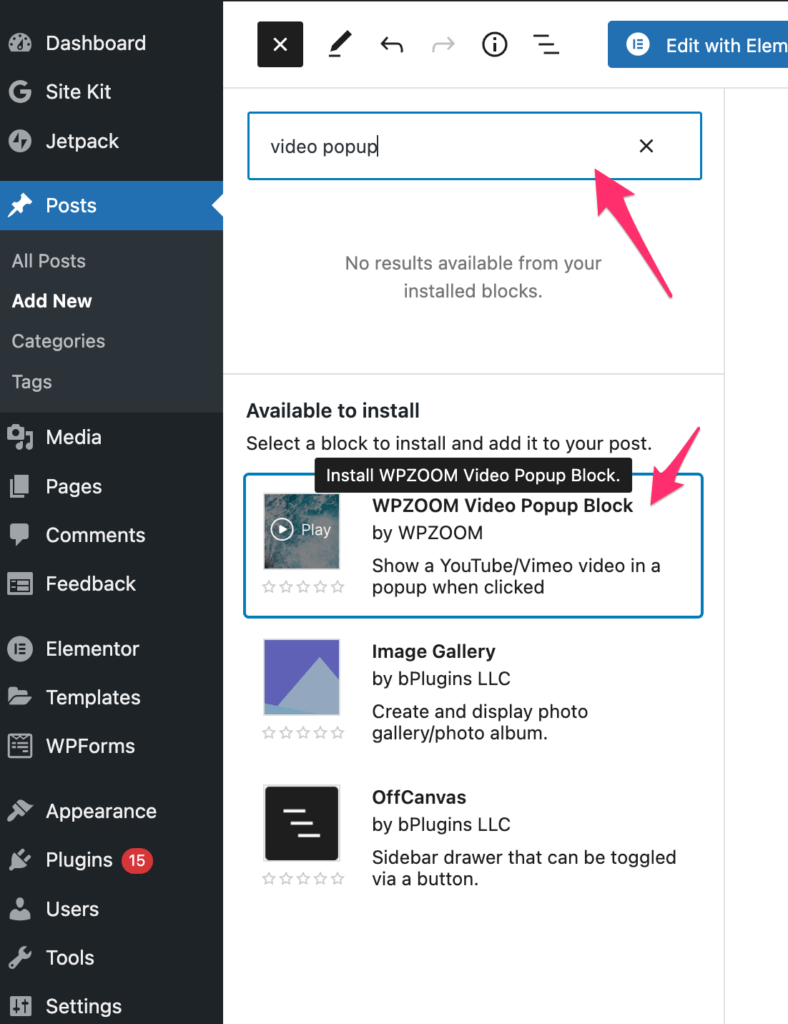
You’ll be prompted to install our free plugin. Once installed, a new block called WPZOOM Video Popup Block will be available in the editor:
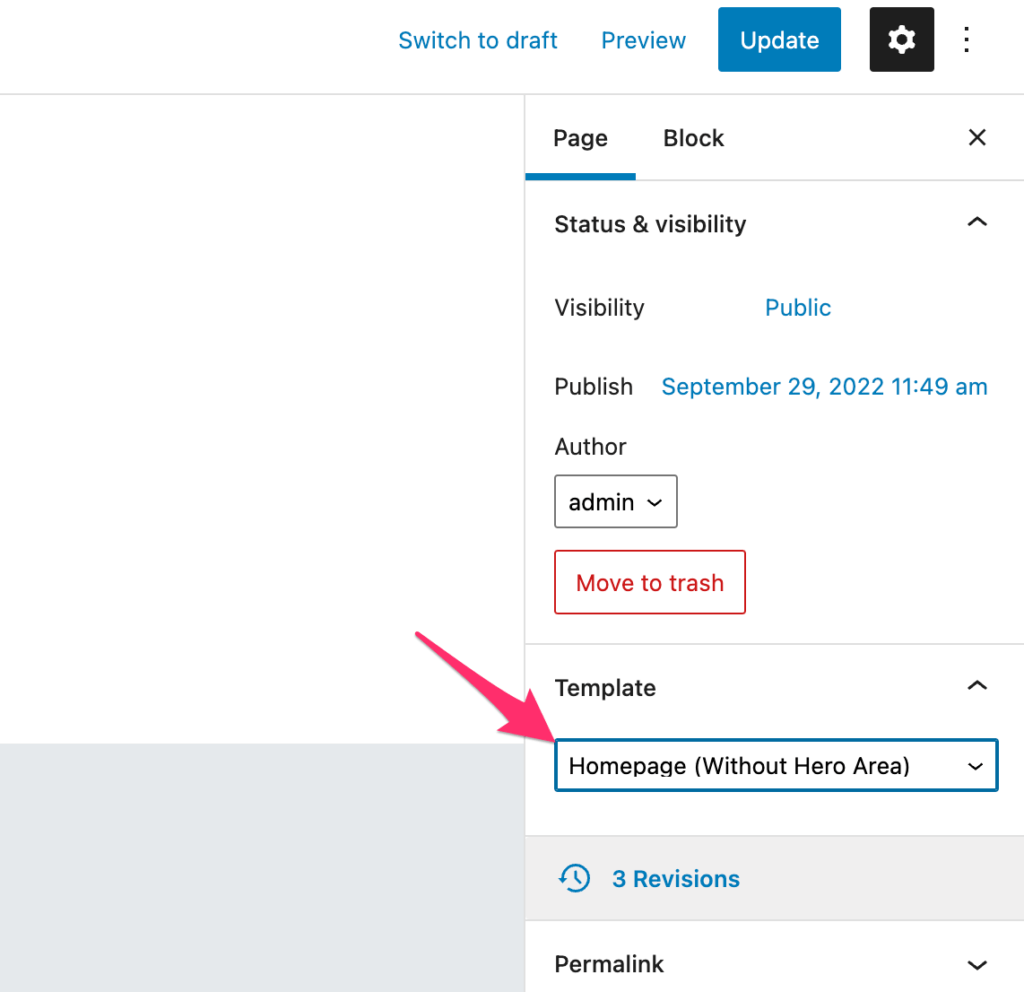
You’ll need to edit your front page and switch to the Homepage (Without Hero Area) page template. This will hide the built-in hero at the top so we can create another one directly in Gutenberg.
Inspiro Lite comes bundled with a few built-in block patterns. Among them, a few use the Cover Block, which you can use to create a section similar to the hero area:
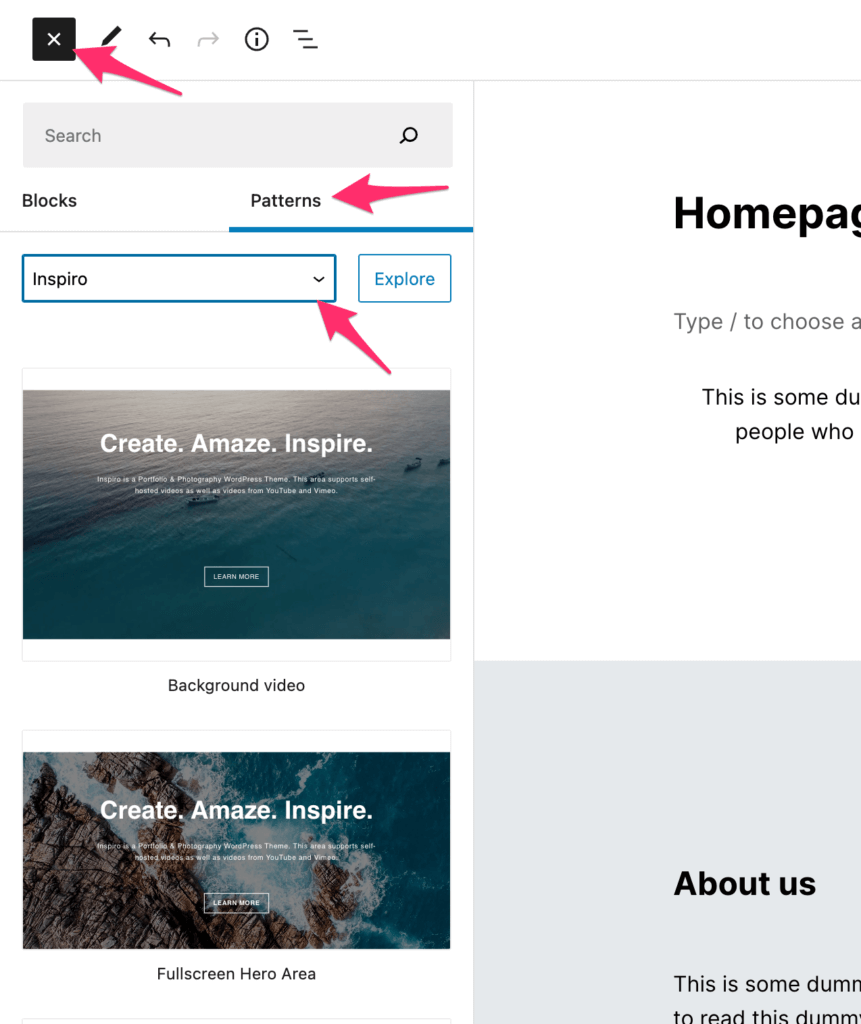
Once you have added a pattern to the top of your front page, you can add the Video Popup block inside your Cover block.
For example, you can replace the existing button with a Play Icon:
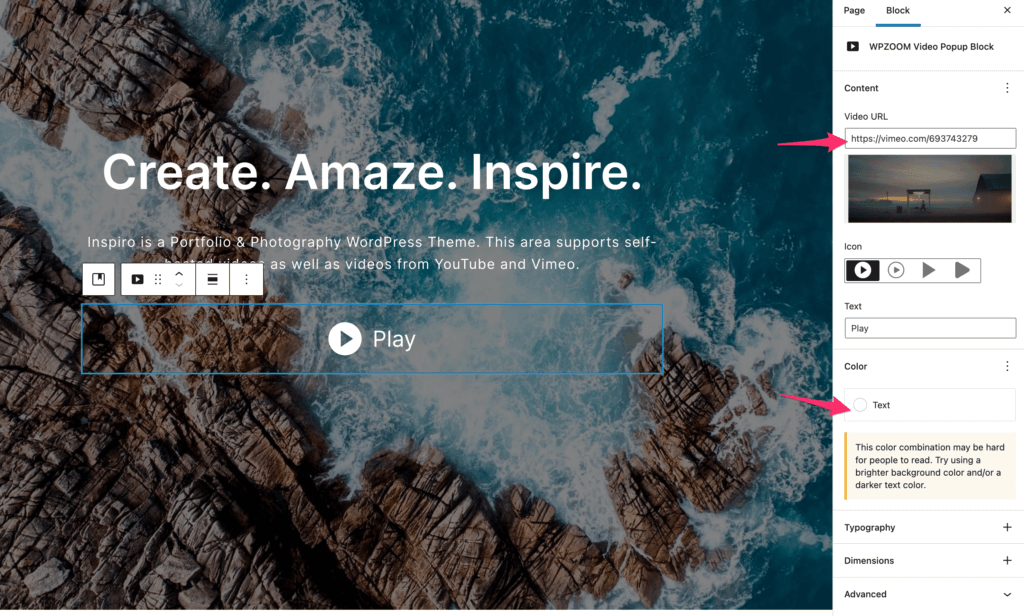
You can add a link to a Vimeo or YouTube video and change the icon’s color from the Block settings on the right side.
When clicking the icon, your video will be loaded in a pop-up: