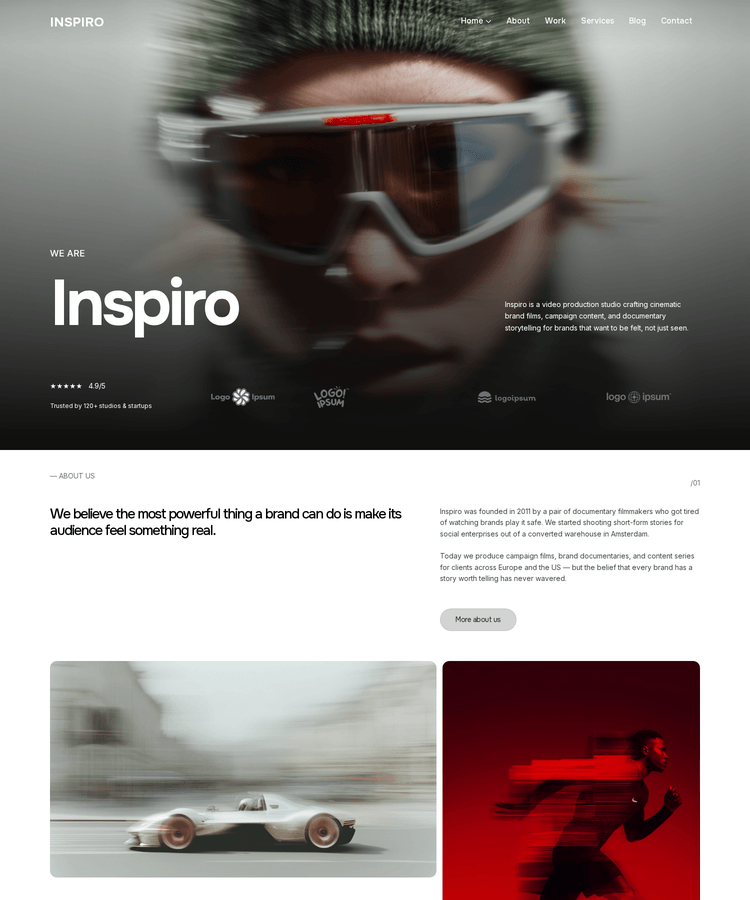
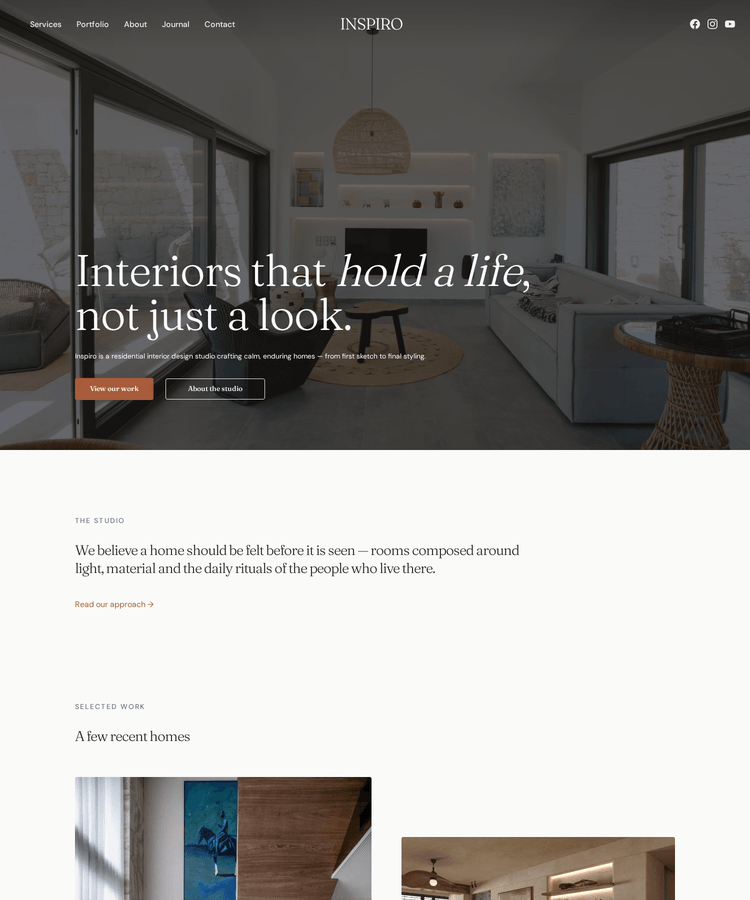
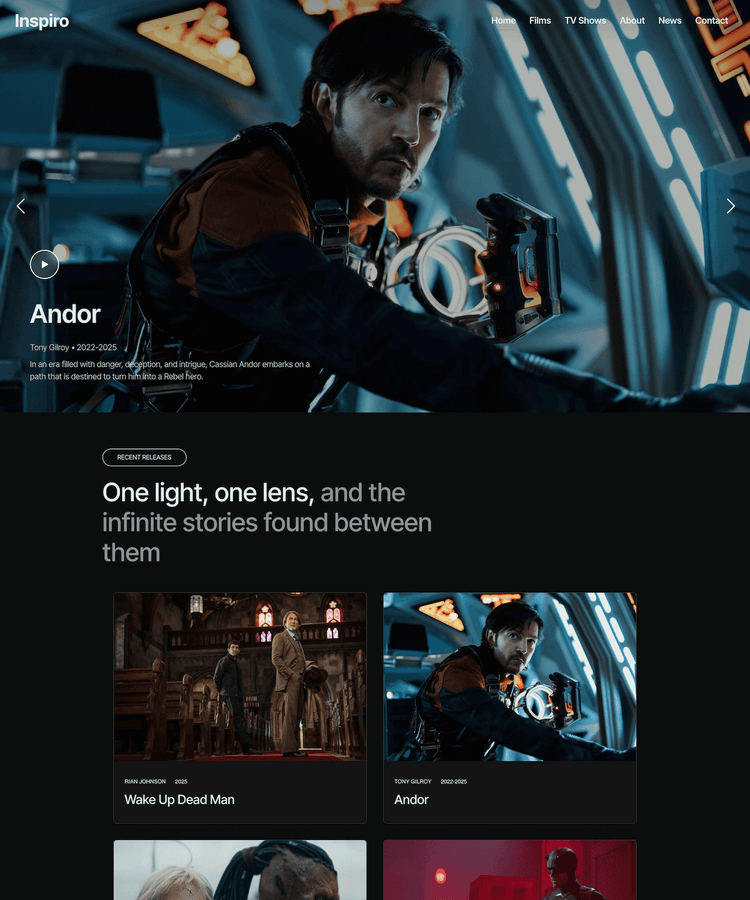
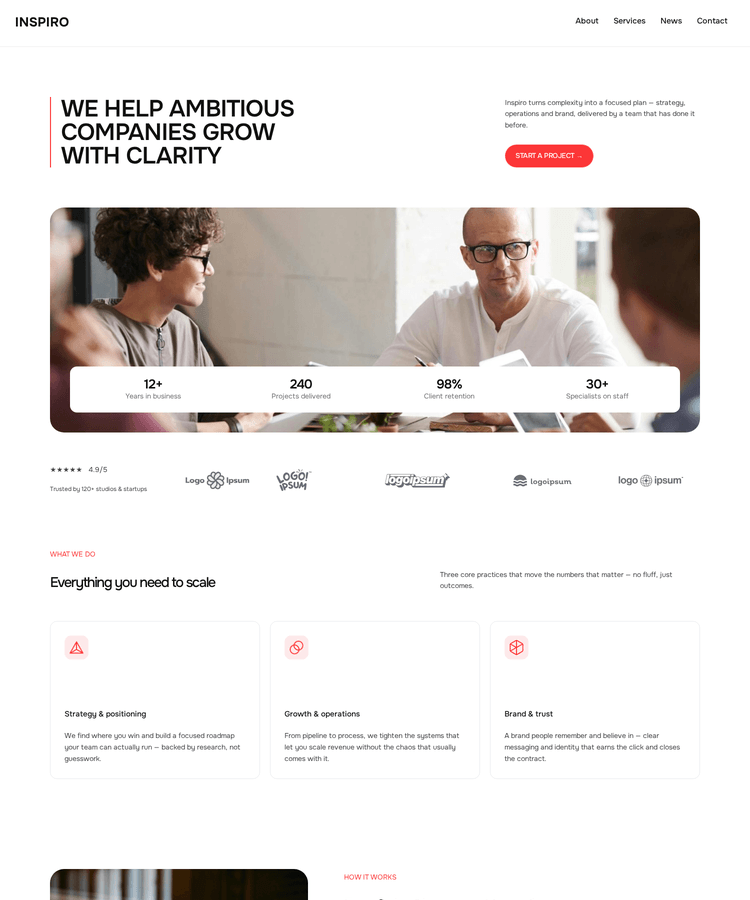
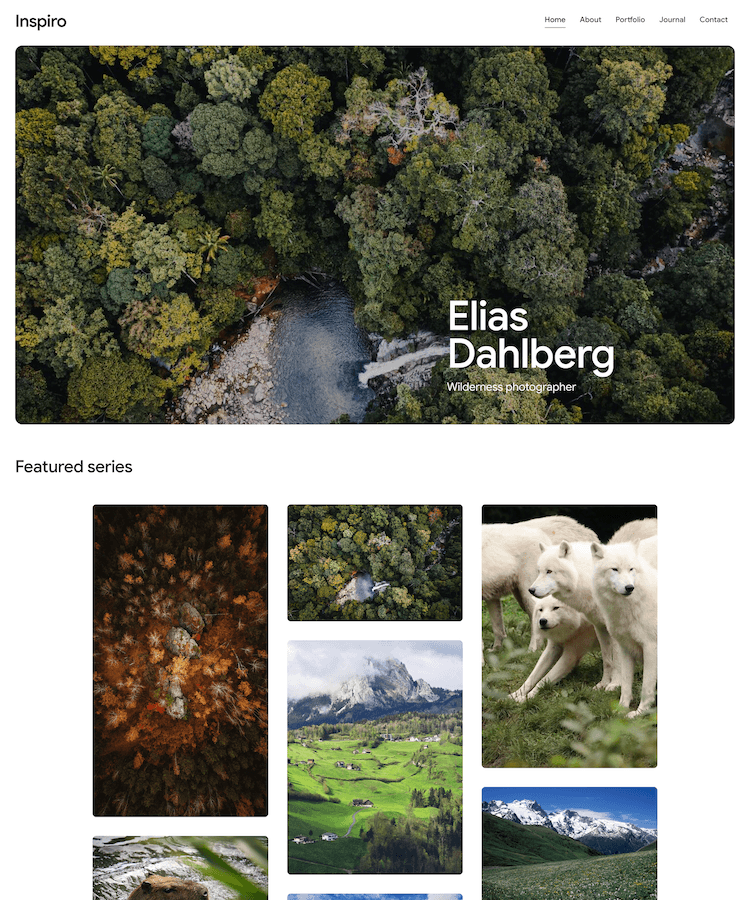
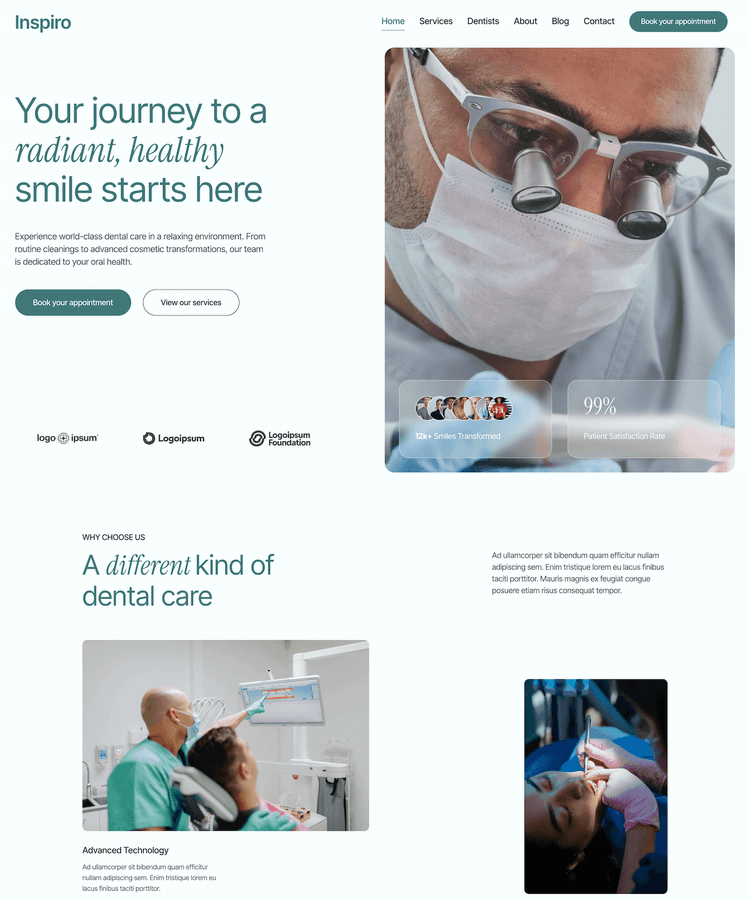
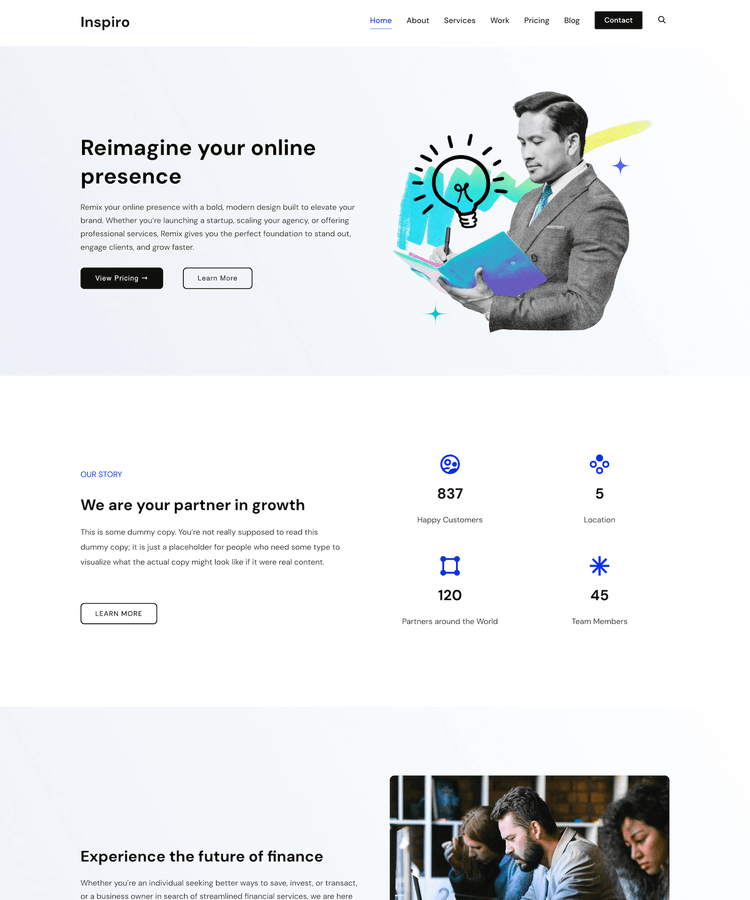
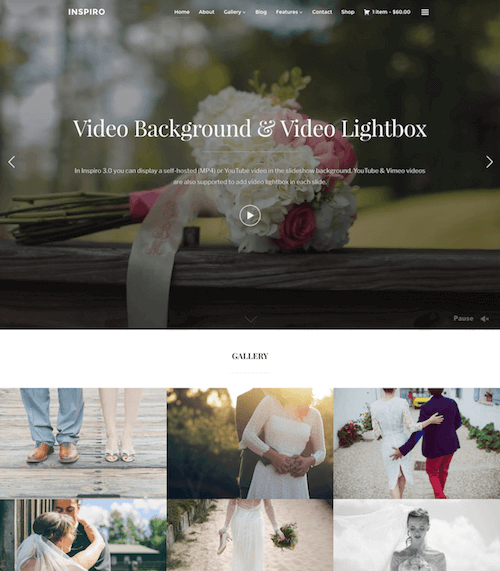
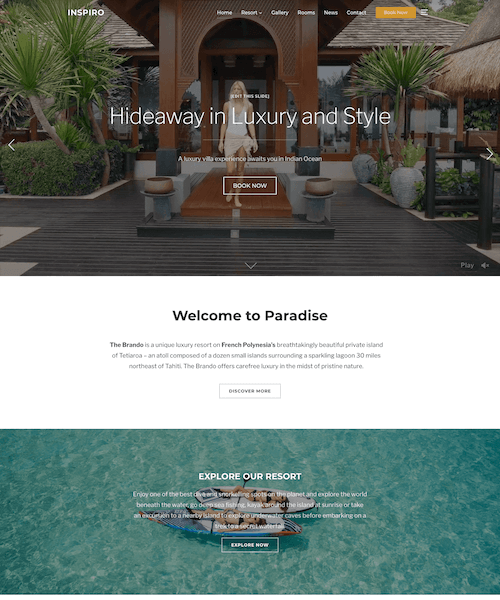
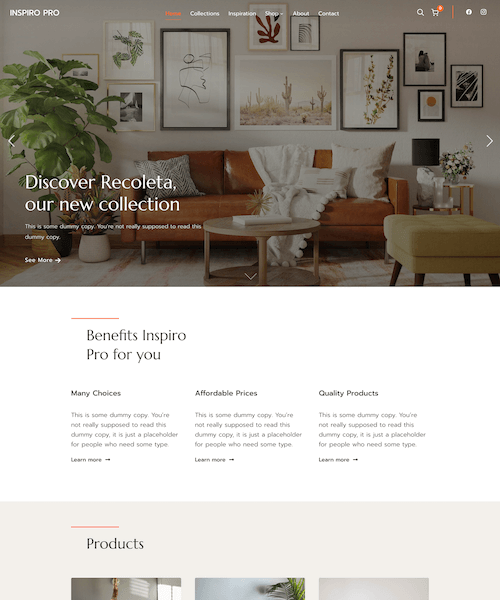
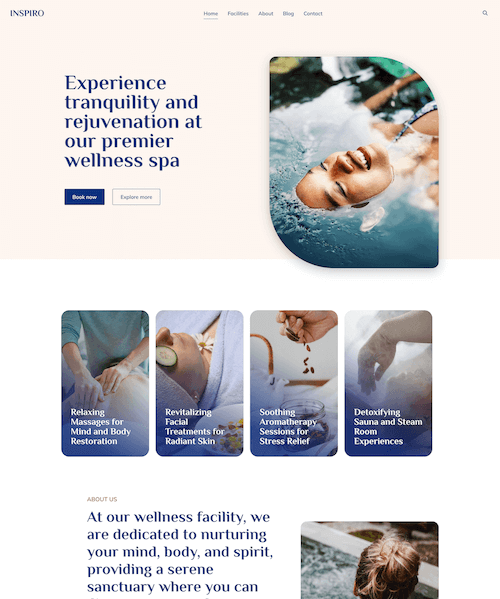
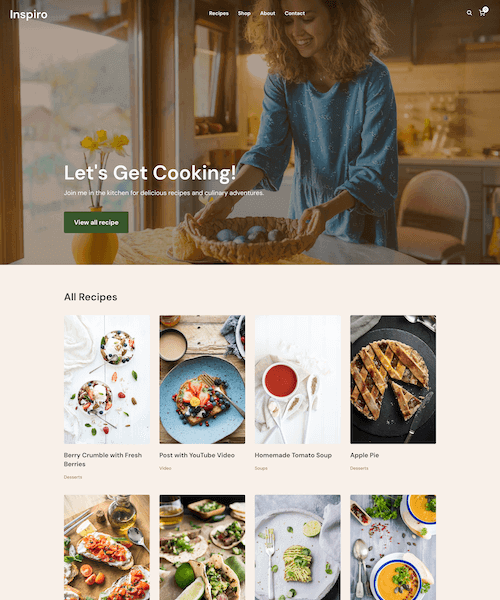
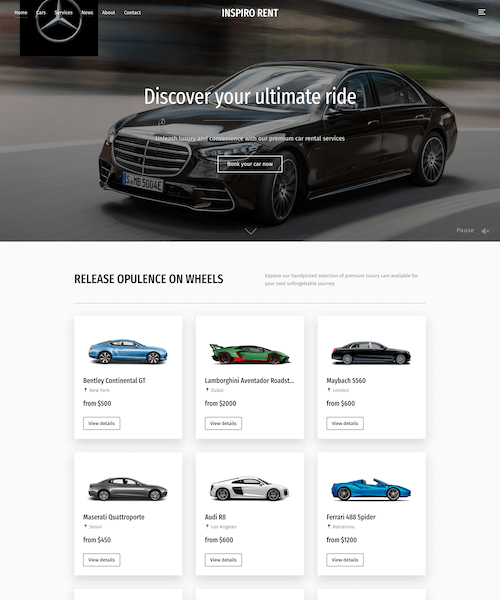
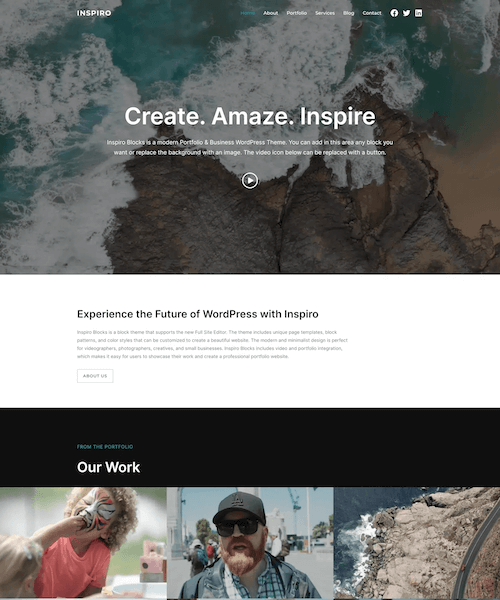
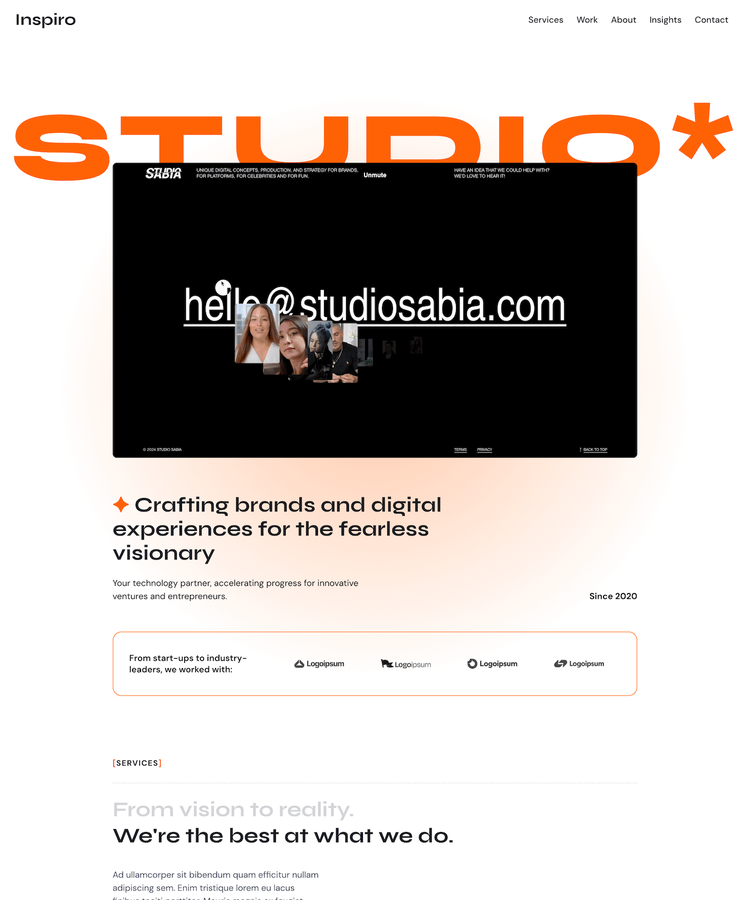
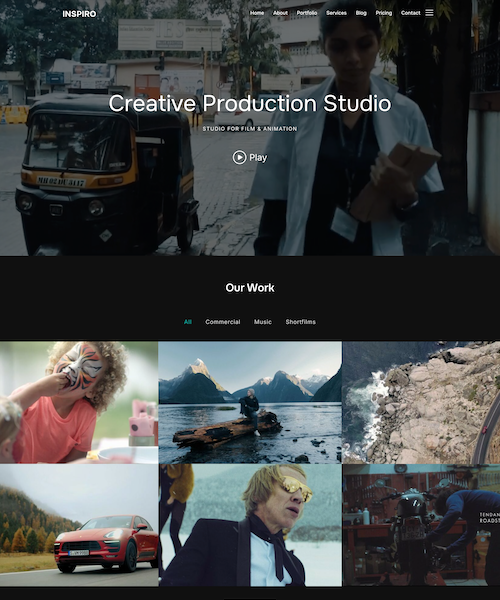
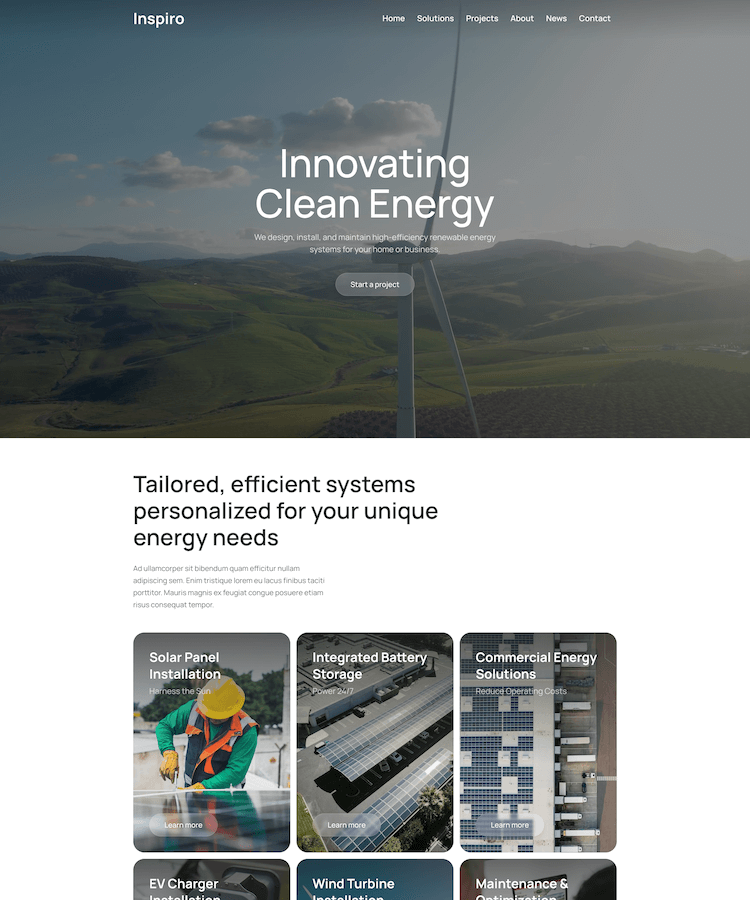
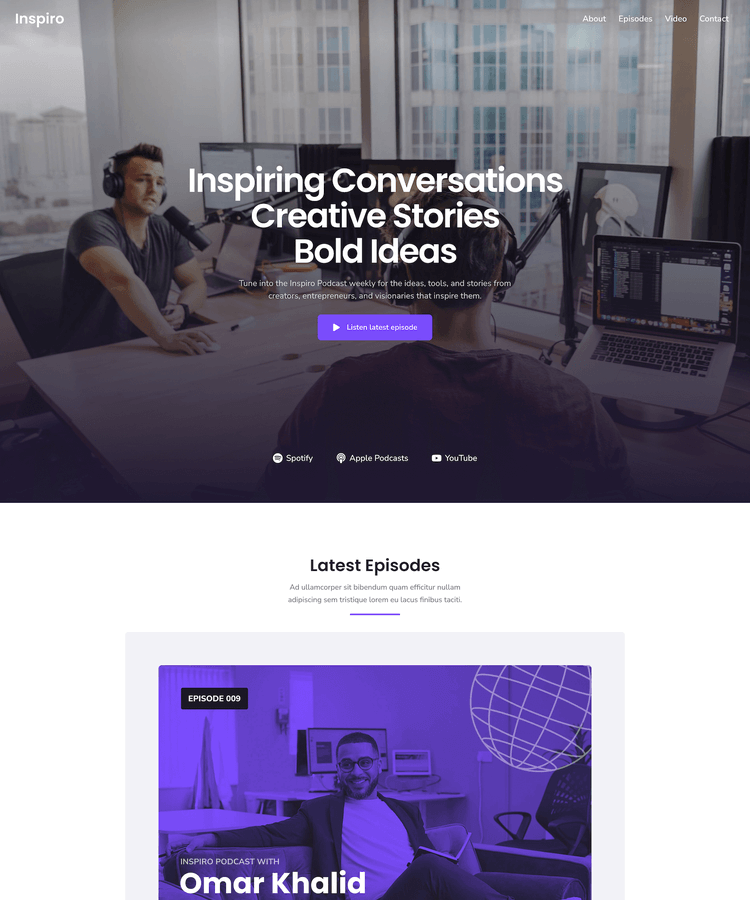
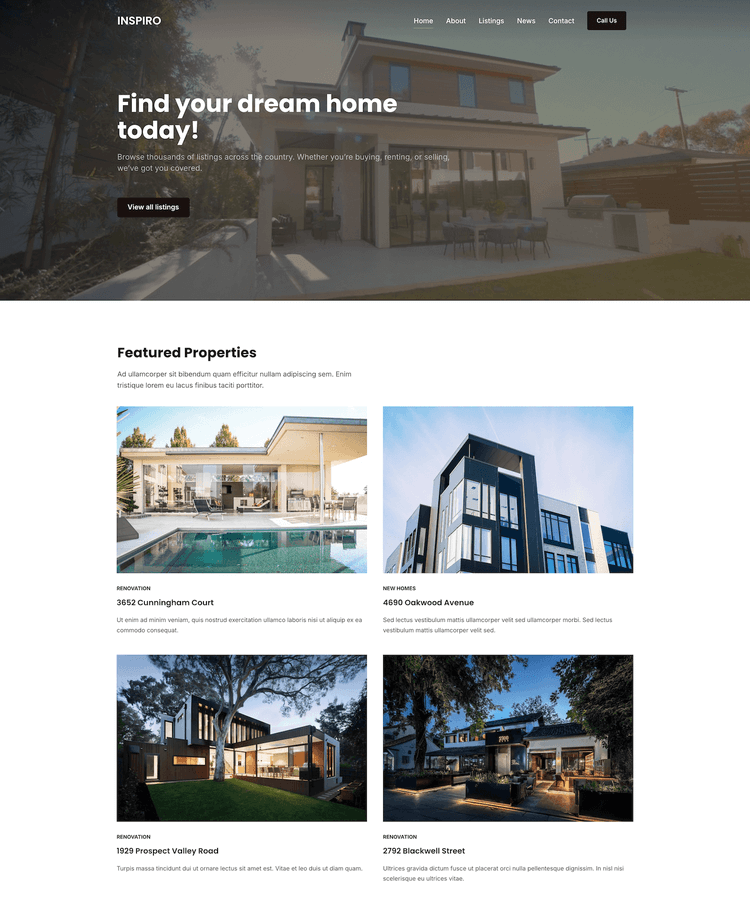
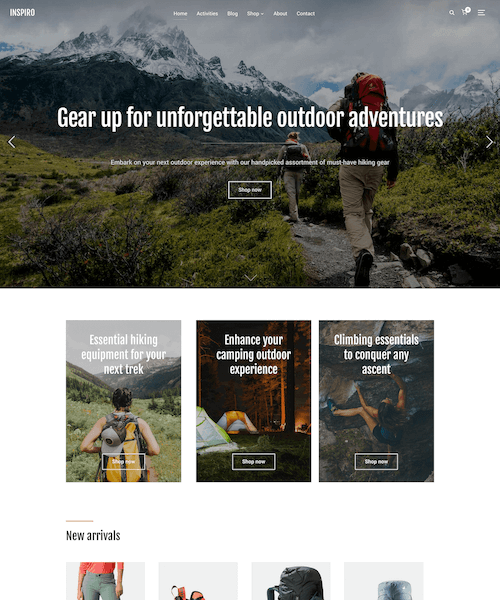
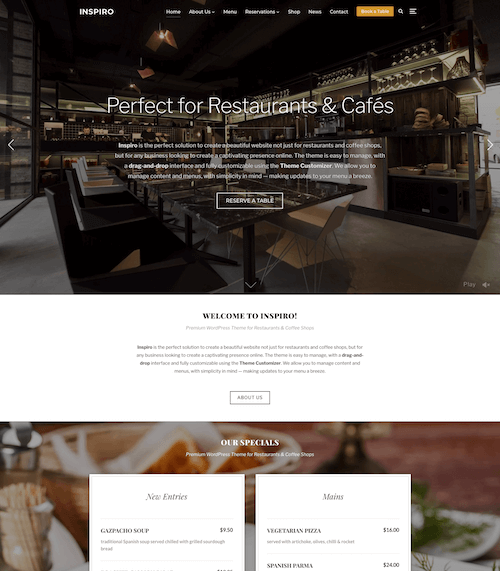
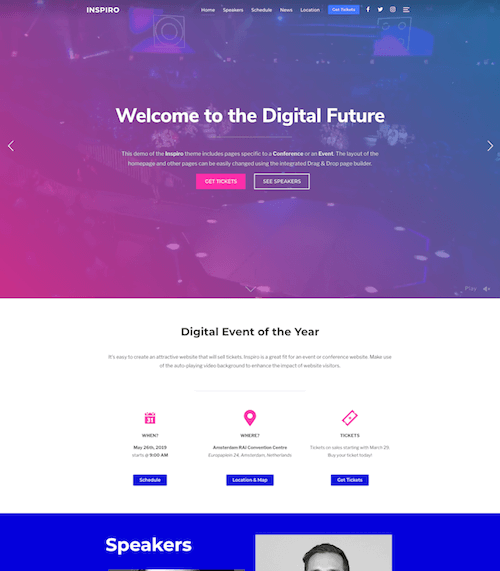
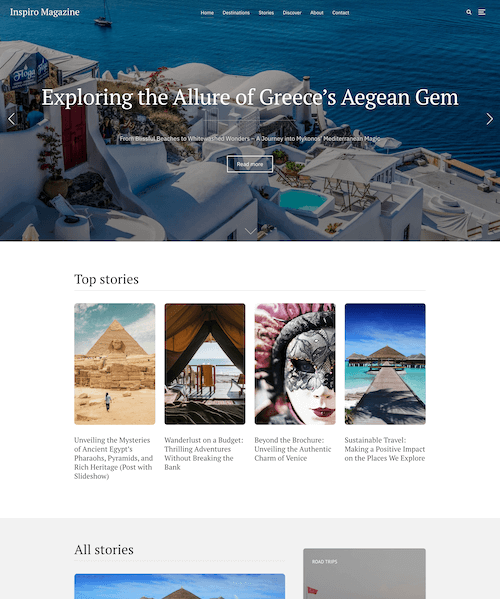
Describe the site you want. Your agent pulls the style guide and finished sections of a WPZOOM design from our library and returns a complete page as HTML, Tailwind or WordPress blocks. No design skills, no WordPress needed: if you can write a prompt in Cursor, Claude Code or Codex, you can ship a site that looks designed.
Works without a key for the catalogue and the Inspiro Creative design. Keys come with the All Access Pass and Inspiro Premium.
Designs your agent can build with. Your key unlocks every design on the server. Each one is measured from an Inspiro starter site: 7 are in now (Creative, Agency, Fine Dining, Interior Design, Architecture, Business and Lawyer), and the rest of the 50+ starter sites follow.
Prompting for a "modern agency homepage" gives you whatever the model remembers. Sections measured from a finished WPZOOM design give it the real thing.
Every section was measured from a finished WPZOOM demo: the type scale, spacing, colours and radii live in one tokens.css, and the markup is the demo's. Your agent sends content; the server renders the section exactly as designed.
All sections of a design share one design guide and one set of tokens, so the Services page your agent builds on Tuesday matches the homepage from Monday. Content is checked against each section's schema: lengths, image shapes and icon names included.
"Build a homepage for Northwind, a branding studio in Lisbon, with the inspiro-agency design." The agent picks the sections, writes the copy in the design's voice, finds stock photos for every image slot and gets back a complete page: fonts, CSS and script included.
Ask for WordPress blocks and the same content comes back as block-editor markup that pastes straight into your site. With WPZOOM AI Connect, publish_page puts it on a paired site as a draft. Plain HTML and Tailwind v4 utilities for everything else.
PromptBuild a homepage for Northwind, a branding studio in Lisbon, with the inspiro-agency design. Save it as index.html.
get_design_systeminspiro-agency: DM Sans, cool grey bands, outlined pill buttonslist_sections28 sections, 7 page recipesfind_images ×6"Lisbon studio interior, 3:2", "brand designer portrait, 1:1" …compose_pageheader → hero-video → client-logos → services-columns → portfolio-filter → team-cards → quote-band → contact-banner → footerindex.html: 9 sections, 6 stock photos credited, 0 placeholders
Three steps. The third one is the fun part.
Sign in to your WPZOOM account: the Design MCP tab shows it. It comes with the All Access Pass and Inspiro Premium, or buy a Design MCP key below. No key? The catalogue and the Inspiro Creative design work without one.
Pick your editor in the install menu: one click for Cursor and VS Code, one pasted command for Claude Code, Codex and OpenCode. The menu fills in your key when you are signed in.
"Build a homepage for Northwind, a branding studio in Lisbon, with the inspiro-agency design. Save it as index.html." For WordPress: "… as WordPress blocks."
Paste it to fill in every snippet below. Leave it empty for the free tier.
Run once in your terminal, then start a new session and type /mcp.
.cursor/mcp.json in the project, or ~/.cursor/mcp.json for every project. Reload the window, then check Settings → MCP.
.vscode/mcp.json. VS Code asks for the key the first time the server starts and keeps it out of the file.
The CLI adds the server; the key goes in ~/.codex/config.toml through an environment variable. Restart Codex.
opencode.json in the project. Restart OpenCode.
Settings file (zed: open settings file).
The same server as a standard mcpServers entry.
Chat clients sign in instead of sending a key. Add the WPZOOM AI Connect connector https://mcp.wpzoom.com/mcp (Settings → Connectors), sign in with your WPZOOM account and link your license. The design tools appear as design_*, and publish_page puts a composed page on your paired WordPress site.
The server tells the agent the order: read the design system, pick sections, fill them with content, compose the page. Every rendering tool takes format: html, tailwind or blocks.
list_templatesEvery design with its tags, section count and pages. Start here.
get_design_systemThe design guide and tokens. The agent reads this before building.
list_sectionsA design's sections by category, with their content fields.
get_sectionOne section: content schema, demo content, rendered markup.
fill_sectionRender one section with your content, validated against the schema.
compose_pageA complete page from sections in order, each with your content.
get_pageOne of the design's page recipes with the demo content.
find_imagesStock photos by subject and shape for every image slot.
search_libraryKeyword search across designs and sections.
The designs come from Inspiro, so Inspiro Premium and the All Access Pass include the key. The standalone key is for people who only want the design systems.
For agencies and freelancers
€139/ year
Design MCP included
For one Inspiro site
€59/ year
Design MCP included
For developers who don't need a theme
€99/ year
Team: €299 / year, 5 keys
Billed yearly, cancel any time. A section render is one fill_section, get_section, get_page or compose_page call. Catalogue, design-system and image calls don't count.
An MCP server your coding agent connects to. It holds the design guide, tokens, CSS, sections and page recipes of WPZOOM's designs, and renders them with your content.
Yes. Without a key the catalogue tools work for every design, and the Inspiro Creative design is fully open in every format.
No. The default output is plain HTML with the design's CSS; tailwind gives HTML styled with default Tailwind v4 utilities. WordPress block markup is one of three formats, not a requirement.
The theme is a WordPress product you install. The MCP gives your agent the design as data: sections one at a time, searchable and mixable, with the rules to keep later edits on-design, on any stack.
Every design on the server, with any plan that comes with a key. Today that is seven Inspiro designs: Creative, Agency, Fine Dining, Interior Design, Architecture, Business and Lawyer, each with its full page set, and more of the 50+ Inspiro starter sites follow. Without a key, Inspiro Creative is open to everyone.
Fair use is 1,000 section renders per key per month (500 with Inspiro Premium), resetting on the 1st. Team keys cover five people. The server tells the agent when the limit is reached.
Add the WPZOOM AI Connect connector instead (https://mcp.wpzoom.com/mcp), sign in with your WPZOOM account and link your license: the same tools appear as design_*, plus publish_page for your paired WordPress site.
The key stops working at the end of the paid period. Pages your agent already wrote into your projects stay yours under the WPZOOM license.
Add the server, ask for a page, and see your design come back finished.